A new feature of Civil Site Design V26 is the Best Fit Alignment command. This command is available to AutoCAD and BricsCAD users and allows you to create an alignment based on Cogo Point or polyline data.
When the command is run, the Best Fit algorithm analyses the Cogo Points in the specified Point Group or the vertices of the selected Polyline and fits a series of tangents and curves to create a new Alignment that describes these inputs. The user is able to change the radii, curve detection and tolerance of the algorithm to refine the fit to the original data.
How it Works
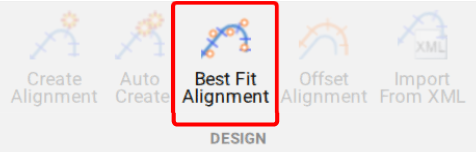
This command allows you to build a Best Fit Alignment using Cogo points or existing polylines. The command is available from the ribbon:
Alignments >> Design >> Best Fit Alignment
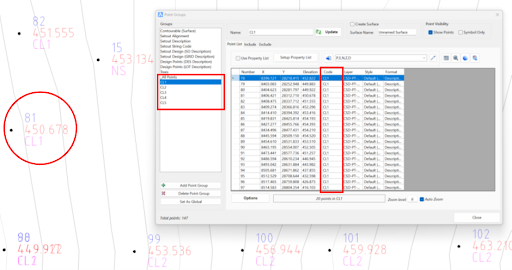
Before generating a Best Fit Alignment from Cogo points, create a point group of the points to use for the alignment creation.
Click here (https://www.help.civilsurveysolutions.com/CSD/HelpSystem/CSD_for_Civil_3D/index.htm#t=Commands%2FPointGroups%2FPointGroups.htm&rhsearch=point%20group&rhhlterm=point%20points%20groups%20group ) to learn more about point groups.
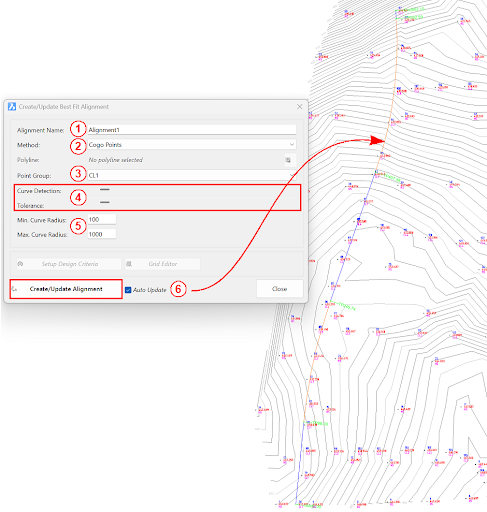
Once the Point Group for the alignment has been defined, run the Best Fit Alignment command and complete the follow:
- Give the alignment a name.
- Choose the Best Fit method: Cogo Points or Polyline.
- Choose the desired Point Group or Polyline.
- Slide the bars left and right to adjust the curve detection and tolerance of the Best Fit algorithm until the optimal fit is achieved.
- Change the minimum and maximum curve radii as needed.
- Select Create/Update Alignment.
Once the Best Fit Alignment has been created, use the Edit Alignment command for further modifications.
Civil Site Design/Corridor EZ V26 introduces support for IFC 4.3 export, giving users a powerful new way to share detailed 3D models with full classification and geometry data. This enhancement allows designers to export corridor models, road elements, and subgrade components as fully structured, BIM-ready files compatible with a wide range of IFC viewers […]

One of the exciting new features in the Civil Site Design V26 and Stringer Topo V26 release is the Surface from LAS command. Often LiDAR and point cloud data is saved as a LAS file, which previously required interpreting in another software prior to being imported to create a surface. This new command allows you […]
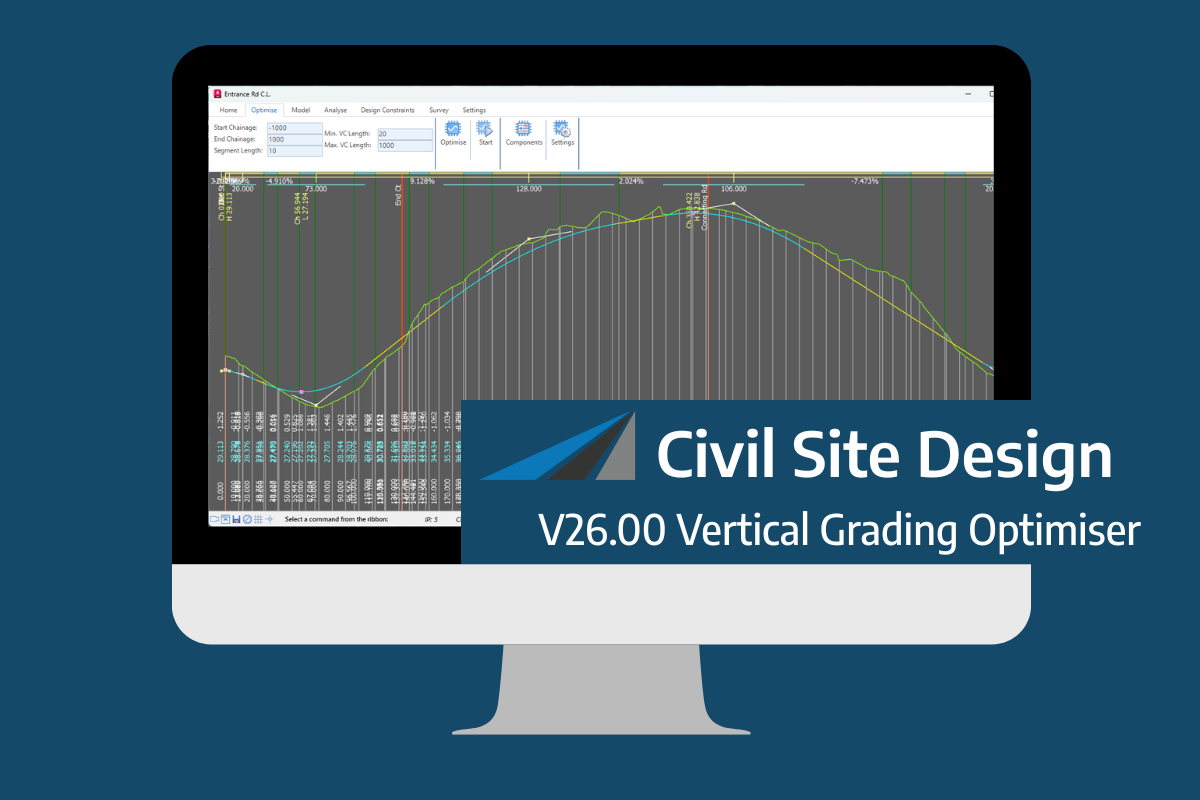
An exciting new tool in Civil Site Design/Corridor EZ v26 is the Vertical Grading Optimizer which can create vertical design profiles based on the parameters you set. Previously, the vertical best fit design profile was based on matching closely to the terrain (within preset cut/fill depths) and adding vertical curves. Mostly, you would remove these […]