
A much-requested command from customers has been to provide a tool that converts a 2D polyline into a 3D polyline, by draping it onto a surface.
This is useful for draping design elements to represent controls such as limit of works, matching to existing features and to provide 3D information for further design.
If you are looking for a tool to set objects to adopt surface elevations, check out Drape Objects. This command allows you to select the following objects and set the elevations of these to match the surface:
- Polylines
- Lines and arcs
- Text
- CAD Points, and
- Blocks
The command is simple. After selecting the surface you then can pick a layer containing the objects you want or else pick and choose from the drawing. Next, you pick whether to modify the selected objects or create new objects.
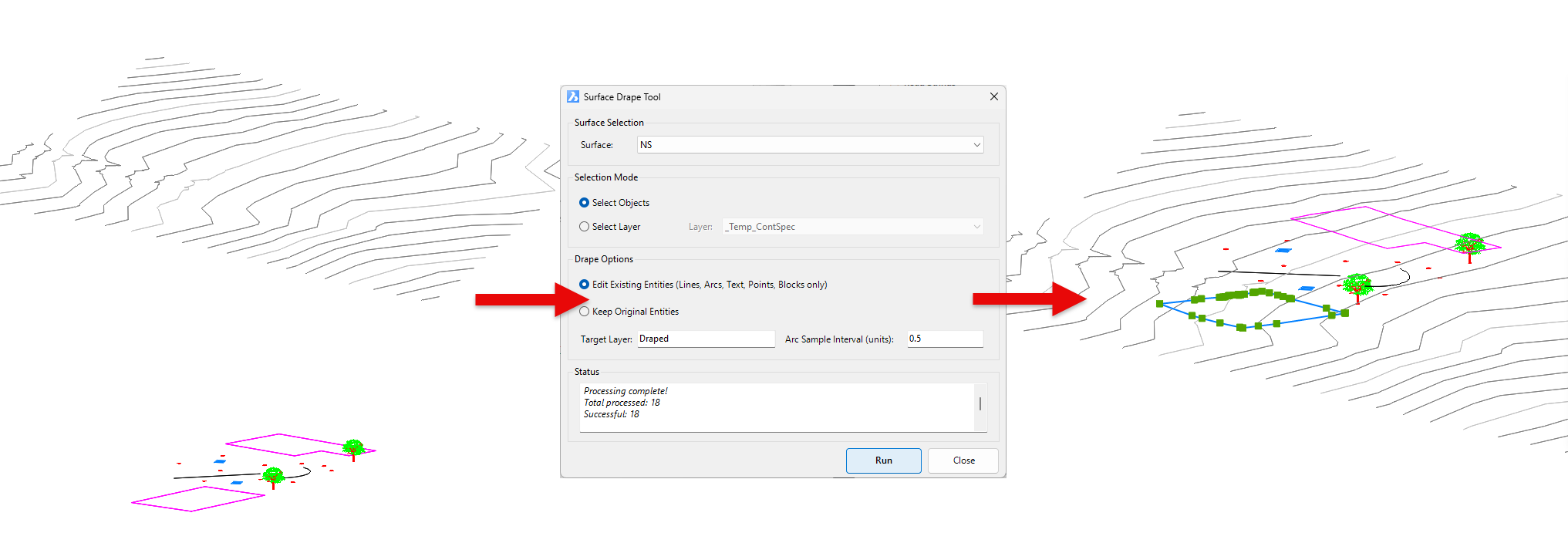
You have the option of making copies of the objects or replacing/modifying them.
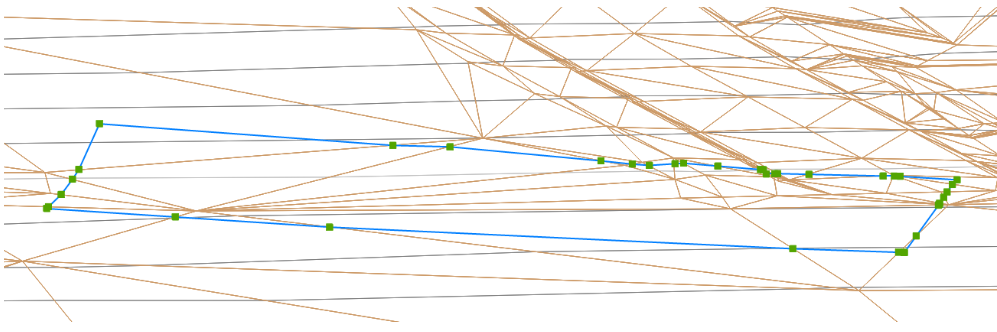
For polylines, vertices are added to exactly match the surface elevations including all grade breaks.
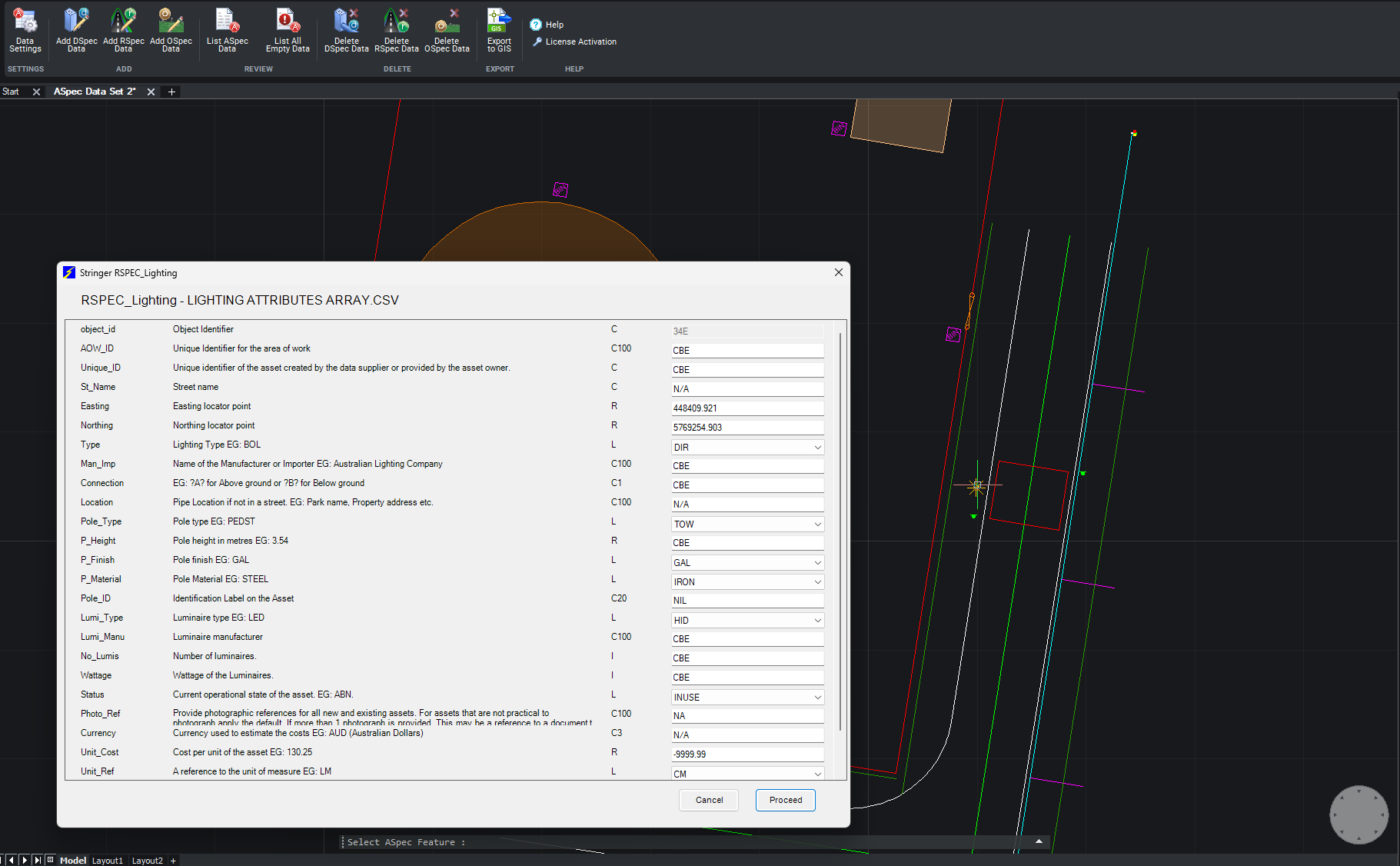
We are pleased to announce the release of Stringer ASpec V24.00. This version includes new features and improvements that aim to streamline ASpec data creation within the CAD environment. Stringer ASpec V24.00 is available on the following platforms: AutoCAD 2018 to AutoCAD 2024 BricsCAD V21 to BricsCAD V24 Civil 3D 2018 to Civil 3D 2024 […]
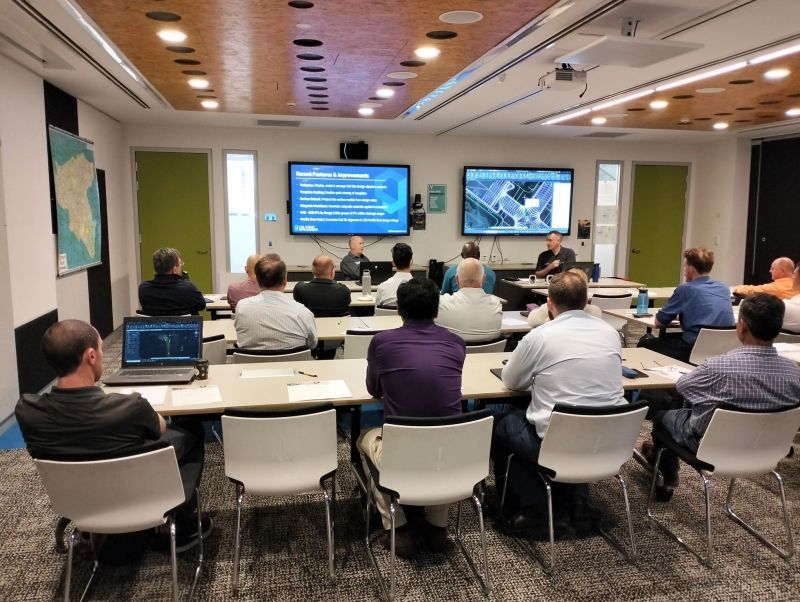
Civil Survey Applications recently hosted the ‘Civil Site Design: Council User Training Day’ in Parramatta, NSW. This complimentary technical training workshop was centred on civil engineering and design for local government users, with a focus on practical application of Civil Site Design features. The agenda was designed to deliver direct value to the attendees through […]

Since releasing Civil Site Design in the USA in 2007, we have experienced constant growth. A technical distributor, Logis LLC, was appointed in 2015, followed by the establishment of Civil Survey Applications LLC in 2019. Located in Florida, the team of 5 including three civil engineers, is committed to customising the software for the US […]
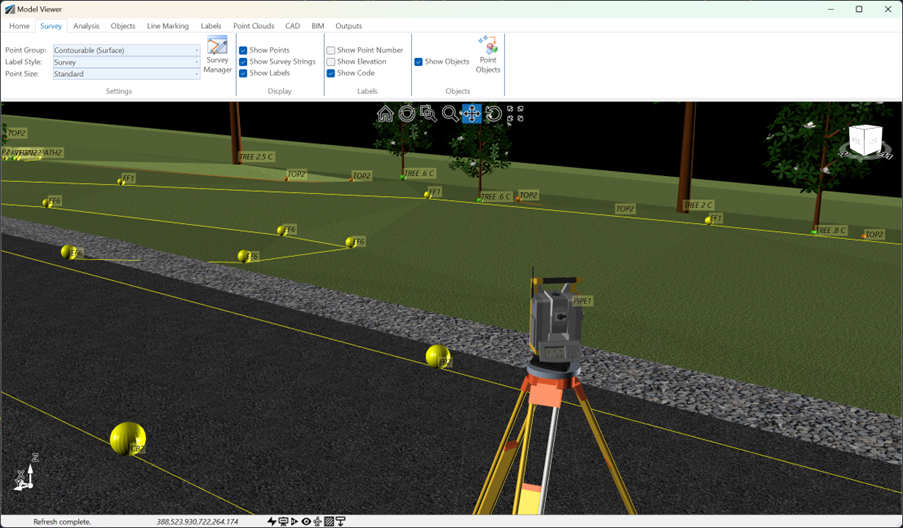
See how Civil Site Design efficiently incorporates and displays survey data, specifically cogo points and survey strings, within your design framework. This article explores this through the lens of a rural road project, demonstrating how cogo points and survey strings from the topographical survey are seamlessly integrated and visualised in Civil Site Design's Cross Section Viewer, VGE (Vertical Grading Editor), and 3D viewer (Model Viewer).
