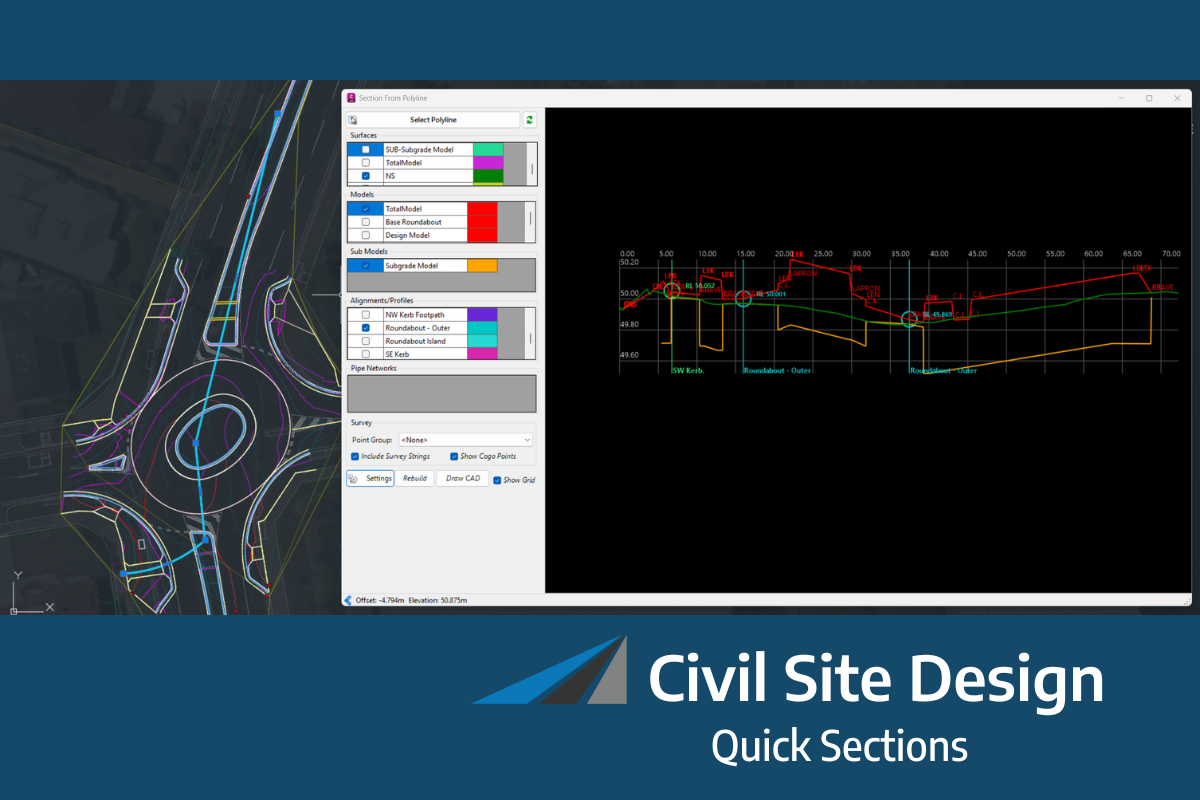
A much-requested command from customers has been to provide a tool that converts a 2D polyline into a 3D polyline, by draping it onto a surface.
This is useful for draping design elements to represent controls such as limit of works, matching to existing features and to provide 3D information for further design.
If you are looking for a tool to set objects to adopt surface elevations, check out Drape Objects. This command allows you to select the following objects and set the elevations of these to match the surface:
- Polylines
- Lines and arcs
- Text
- CAD Points, and
- Blocks
The command is simple. After selecting the surface you then can pick a layer containing the objects you want or else pick and choose from the drawing. Next, you pick whether to modify the selected objects or create new objects.
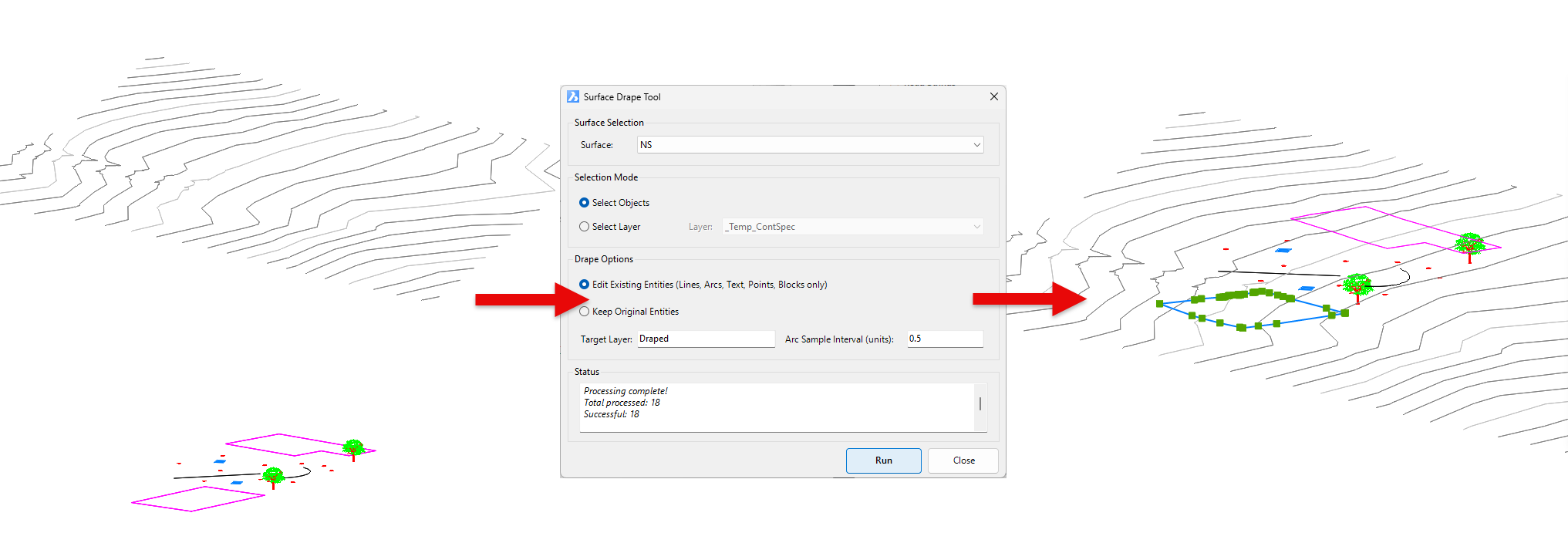
You have the option of making copies of the objects or replacing/modifying them.
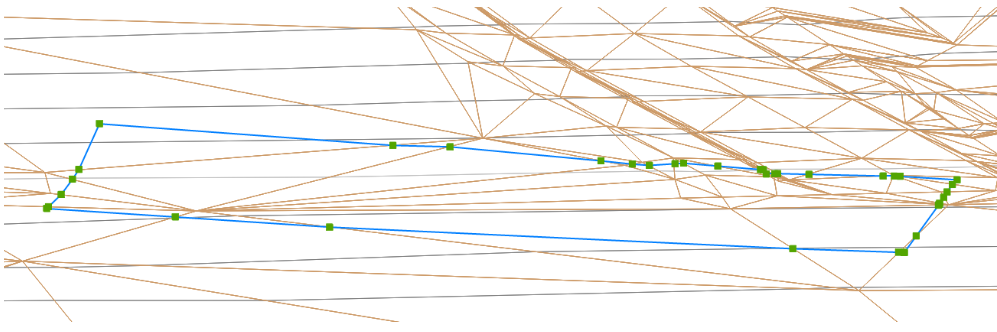
For polylines, vertices are added to exactly match the surface elevations including all grade breaks.
The latest releases of Civil Site Design V26.10 and Stringer Topo V26.10 are here! These updates focus on addressing customer-reported issues, improving pack mode performance, and introducing new features and efficiency enhancements for working with COGO points and Survey Strings. Civil Site Design V26.10 is available on the following platforms: Civil 3D 2021 to Civil […]
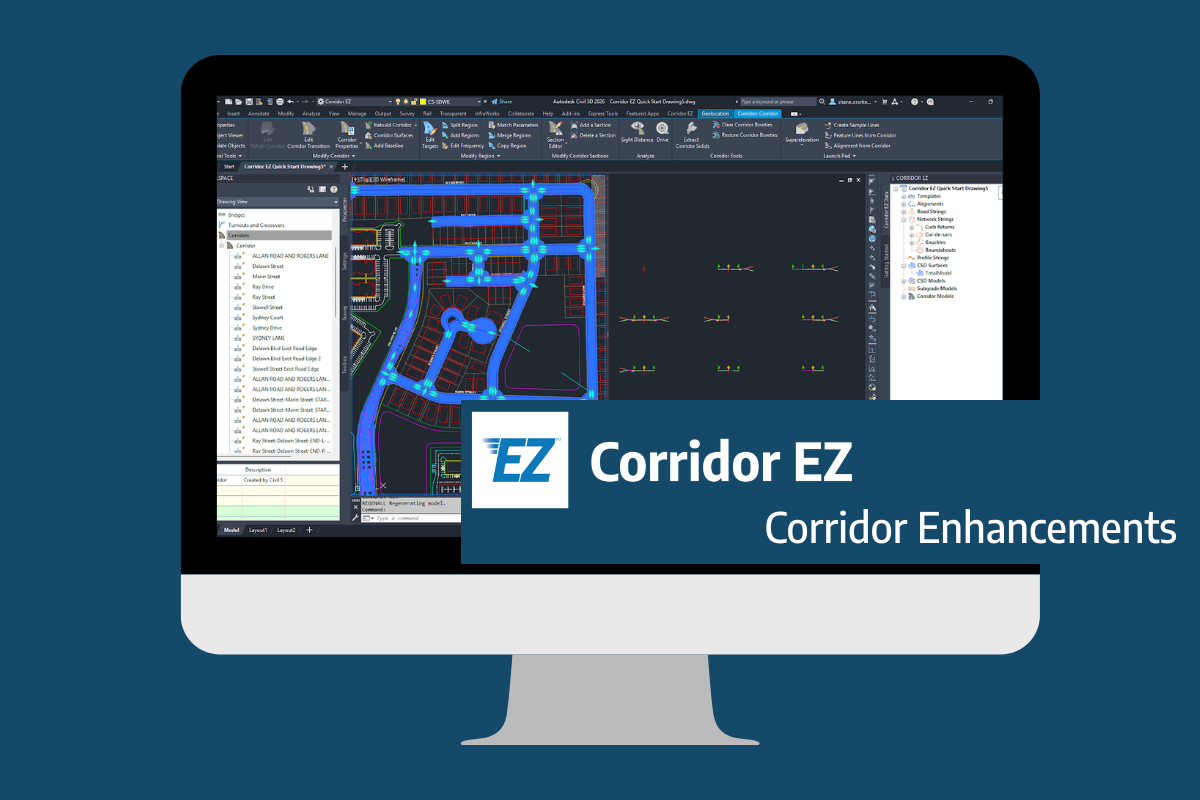
Our streamlined design process shaves hours and days off your Civil 3D projects, including the creation of a Civil 3D Corridor complete with multiple regions, target mapping, and assemblies, at the click of a button. We always aimed to make the corridor like you would, reusing and consolidating similar assemblies wherever possible. So, for the […]
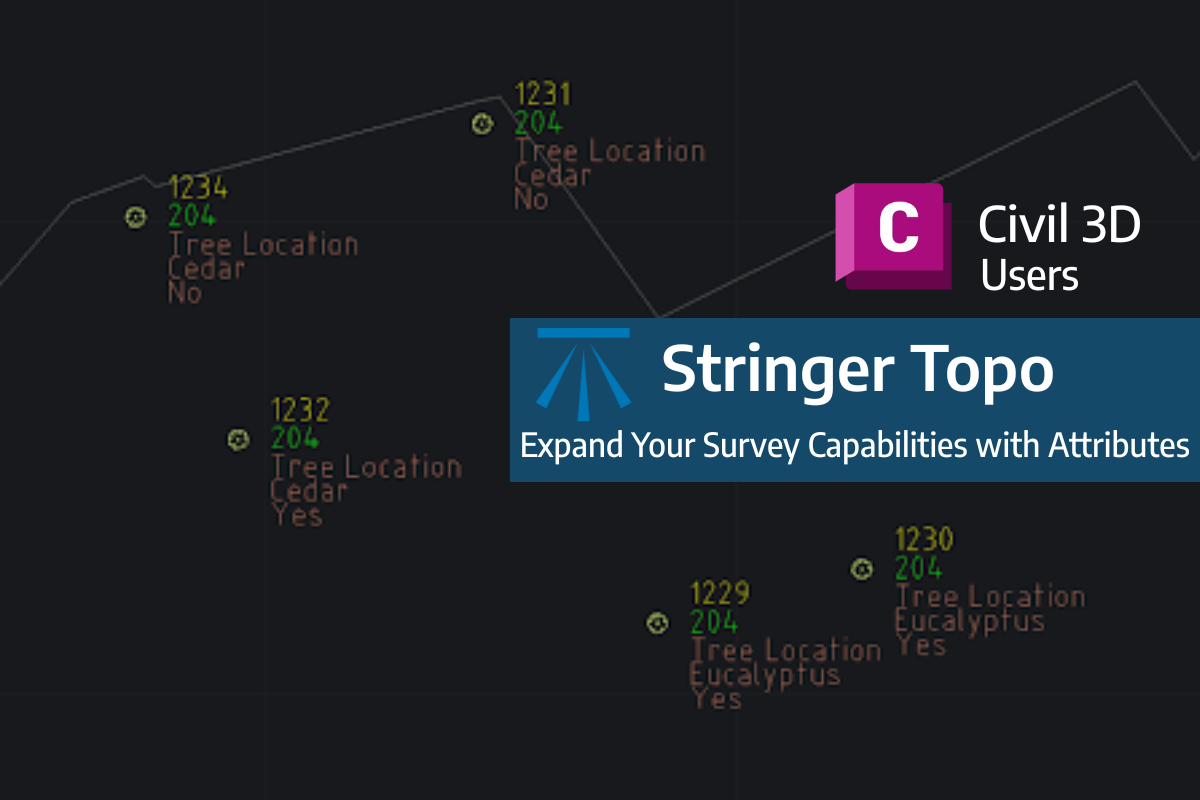
Field attributes provide Surveyors with the ability to include additional data in their Survey pickup of points. With Stringer Topo V26 users can now include additional data (attribute data) with their COGO points and survey strings for review, editing and output from their drawing. There are a number of ways to add attributes to your […]