
Did you know we have some keyboard shortcuts in Civil Site Design? If you spend a good amount of your design in the Vertical Grading Editor or regularly run key commands, such as open Model Viewer, you might be looking at some good time savers using keyboard shortcuts.
Less Navigating, More Designing
You can stop hunting for the icon in the Vertical Grading Editor to execute common commands such as Move IP, Slide IP and Volume Report. From within the Vertical Grading Editor window just hold down the Ctrl button and press a key: M for move, S for slide or E for a volume report.
We’ve also added keyboard shortcuts you can run from the CAD command line.
Tell Me More
Check out this CSD Keyboard Shortcuts document to familiarise yourself with another way to access common tools in Civil Site Design.

We Want Your Input
Is there a command you use daily that you wish had a dedicated shortcut? Let us know what commands you want to see accessible via the keyboard, and we will look into adding them in future updates.

We are pleased to announce that a sister company to Civil Survey Solutions Pty Ltd has been formed called ‘Civil Survey Applications Pty Ltd’ to take the development and marketing of the Civil Site Design and Stringer Topo software to the next level.

With the release of V24 has come a number of new and improved features. Join us as we explore the major functionality update, Toolspace, which has been developed to enhance the user experience for operators at all levels.

With the release of V24 has come a number of new and improved features. Join us as we go through the new additions to Stringer and how they can help you streamline and improve your workflow.
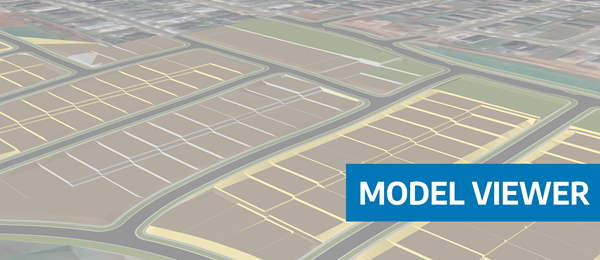
Viewing height or terrain data on your Civil Site Design & Civil 3D surfaces, is now possible with the new Surface Analysis in Model Viewer.
