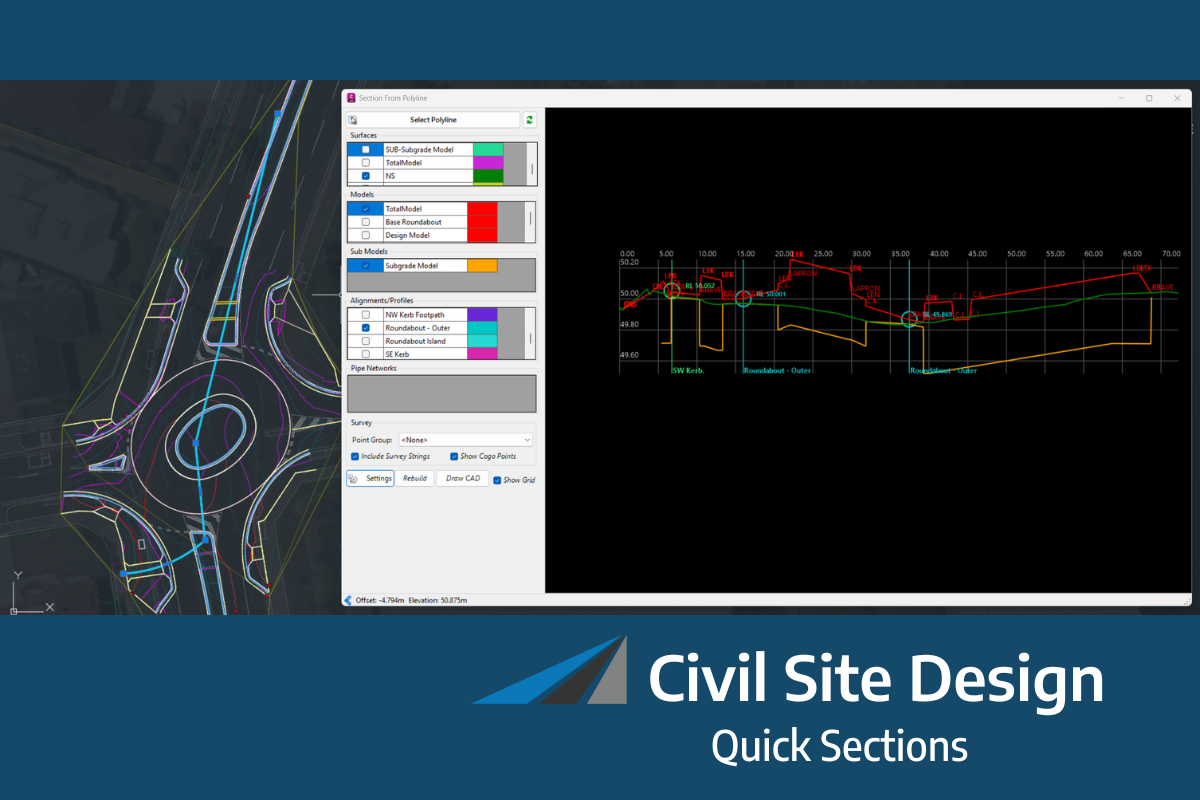
Did you know we have some keyboard shortcuts in Civil Site Design? If you spend a good amount of your design in the Vertical Grading Editor or regularly run key commands, such as open Model Viewer, you might be looking at some good time savers using keyboard shortcuts.
Less Navigating, More Designing
You can stop hunting for the icon in the Vertical Grading Editor to execute common commands such as Move IP, Slide IP and Volume Report. From within the Vertical Grading Editor window just hold down the Ctrl button and press a key: M for move, S for slide or E for a volume report.
We’ve also added keyboard shortcuts you can run from the CAD command line.
Tell Me More
Check out this CSD Keyboard Shortcuts document to familiarise yourself with another way to access common tools in Civil Site Design.

We Want Your Input
Is there a command you use daily that you wish had a dedicated shortcut? Let us know what commands you want to see accessible via the keyboard, and we will look into adding them in future updates.
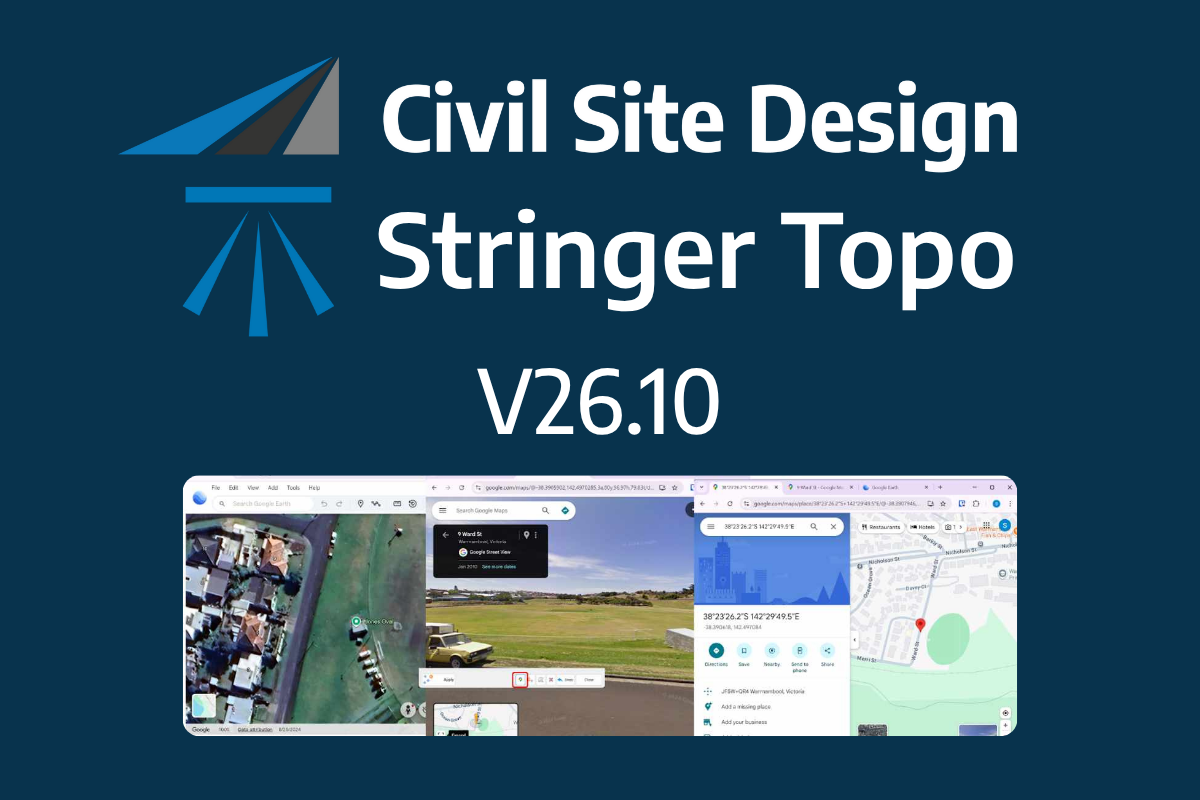
The latest releases of Civil Site Design V26.10 and Stringer Topo V26.10 are here! These updates focus on addressing customer-reported issues, improving pack mode performance, and introducing new features and efficiency enhancements for working with COGO points and Survey Strings. Civil Site Design V26.10 is available on the following platforms: Civil 3D 2021 to Civil […]
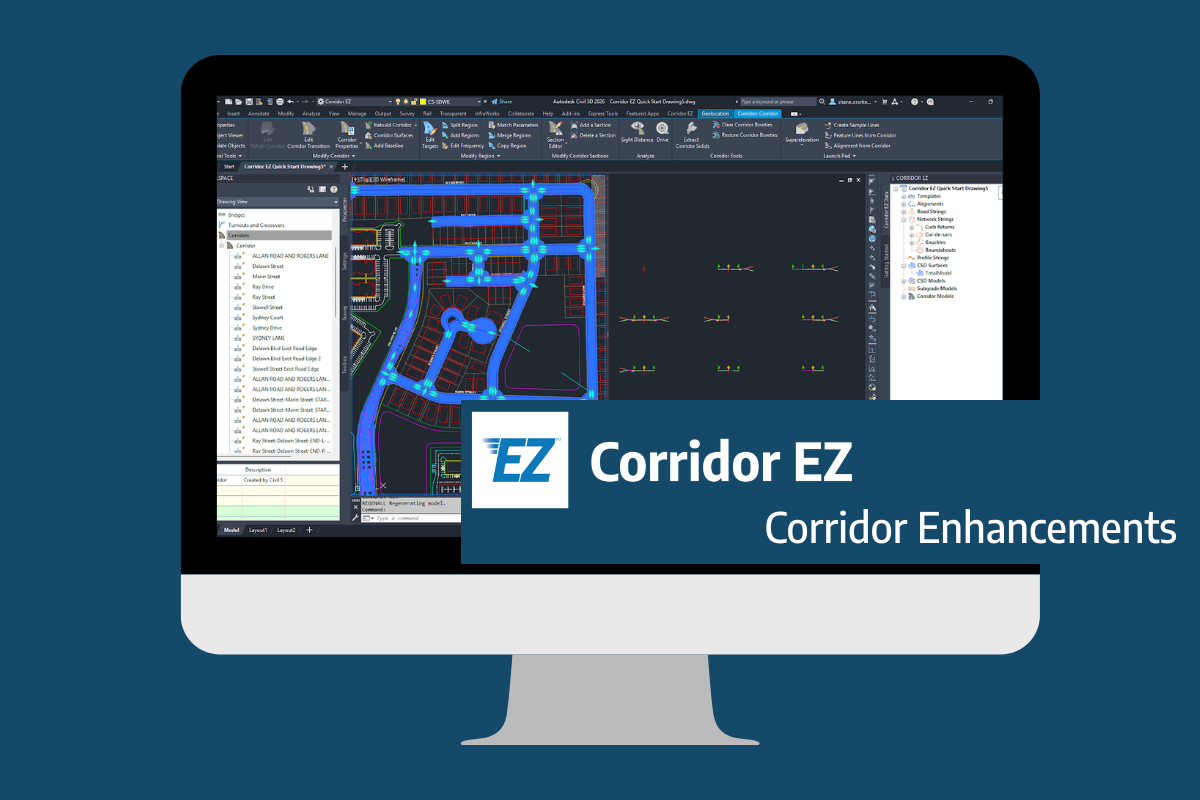
Our streamlined design process shaves hours and days off your Civil 3D projects, including the creation of a Civil 3D Corridor complete with multiple regions, target mapping, and assemblies, at the click of a button. We always aimed to make the corridor like you would, reusing and consolidating similar assemblies wherever possible. So, for the […]
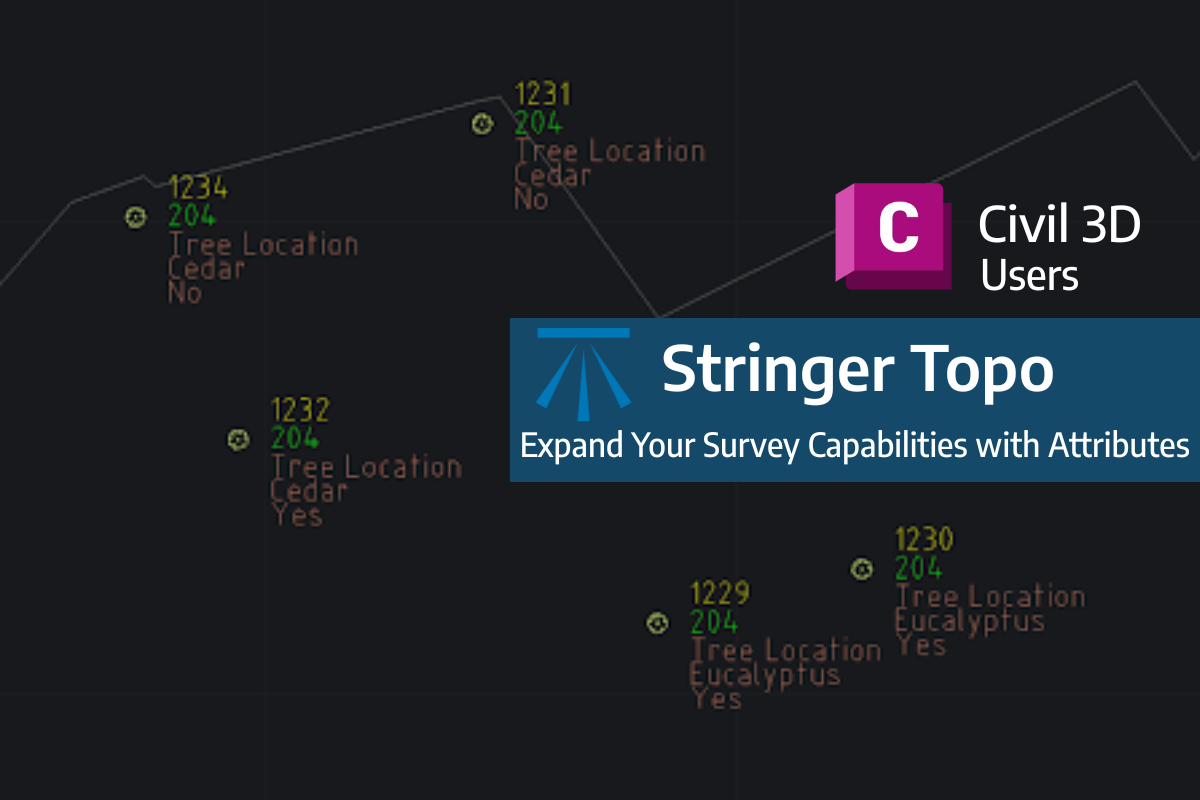
Field attributes provide Surveyors with the ability to include additional data in their Survey pickup of points. With Stringer Topo V26 users can now include additional data (attribute data) with their COGO points and survey strings for review, editing and output from their drawing. There are a number of ways to add attributes to your […]