
Did you know we have some keyboard shortcuts in Civil Site Design? If you spend a good amount of your design in the Vertical Grading Editor or regularly run key commands, such as open Model Viewer, you might be looking at some good time savers using keyboard shortcuts.
Less Navigating, More Designing
You can stop hunting for the icon in the Vertical Grading Editor to execute common commands such as Move IP, Slide IP and Volume Report. From within the Vertical Grading Editor window just hold down the Ctrl button and press a key: M for move, S for slide or E for a volume report.
We’ve also added keyboard shortcuts you can run from the CAD command line.
Tell Me More
Check out this CSD Keyboard Shortcuts document to familiarise yourself with another way to access common tools in Civil Site Design.

We Want Your Input
Is there a command you use daily that you wish had a dedicated shortcut? Let us know what commands you want to see accessible via the keyboard, and we will look into adding them in future updates.
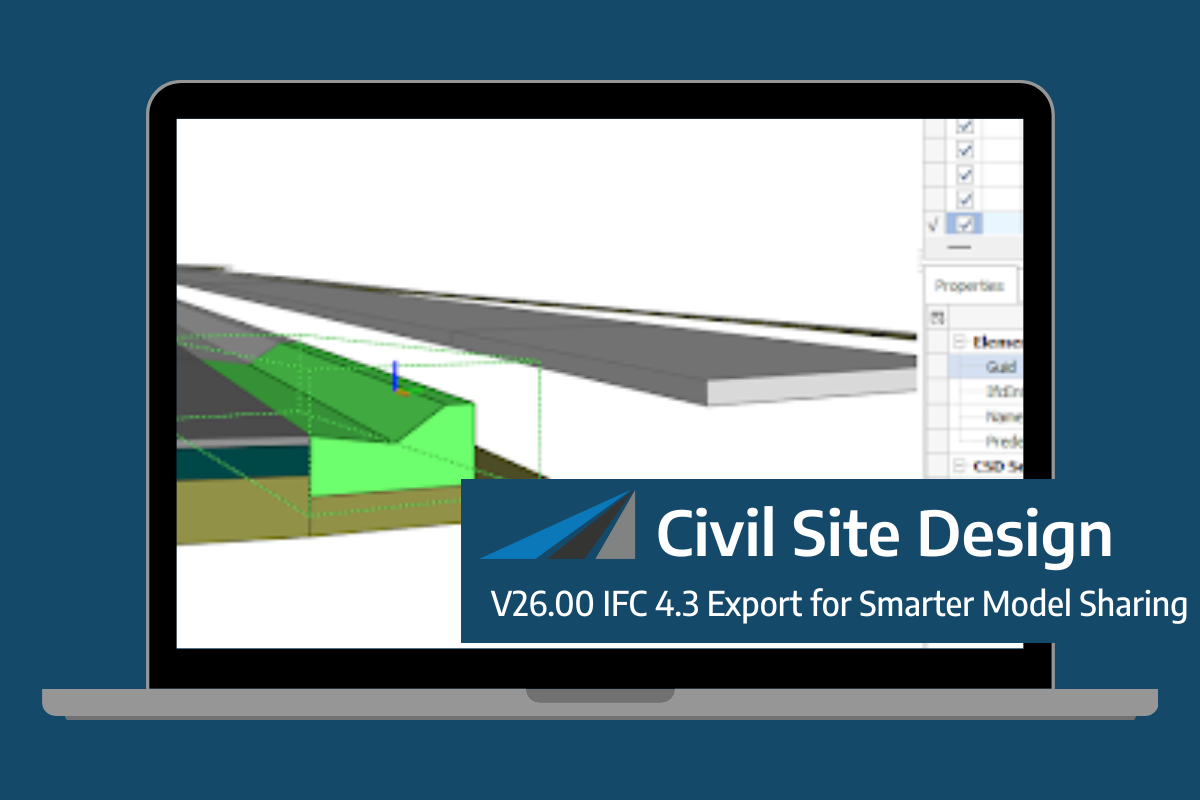
Civil Site Design/Corridor EZ V26 introduces support for IFC 4.3 export, giving users a powerful new way to share detailed 3D models with full classification and geometry data. This enhancement allows designers to export corridor models, road elements, and subgrade components as fully structured, BIM-ready files compatible with a wide range of IFC viewers […]
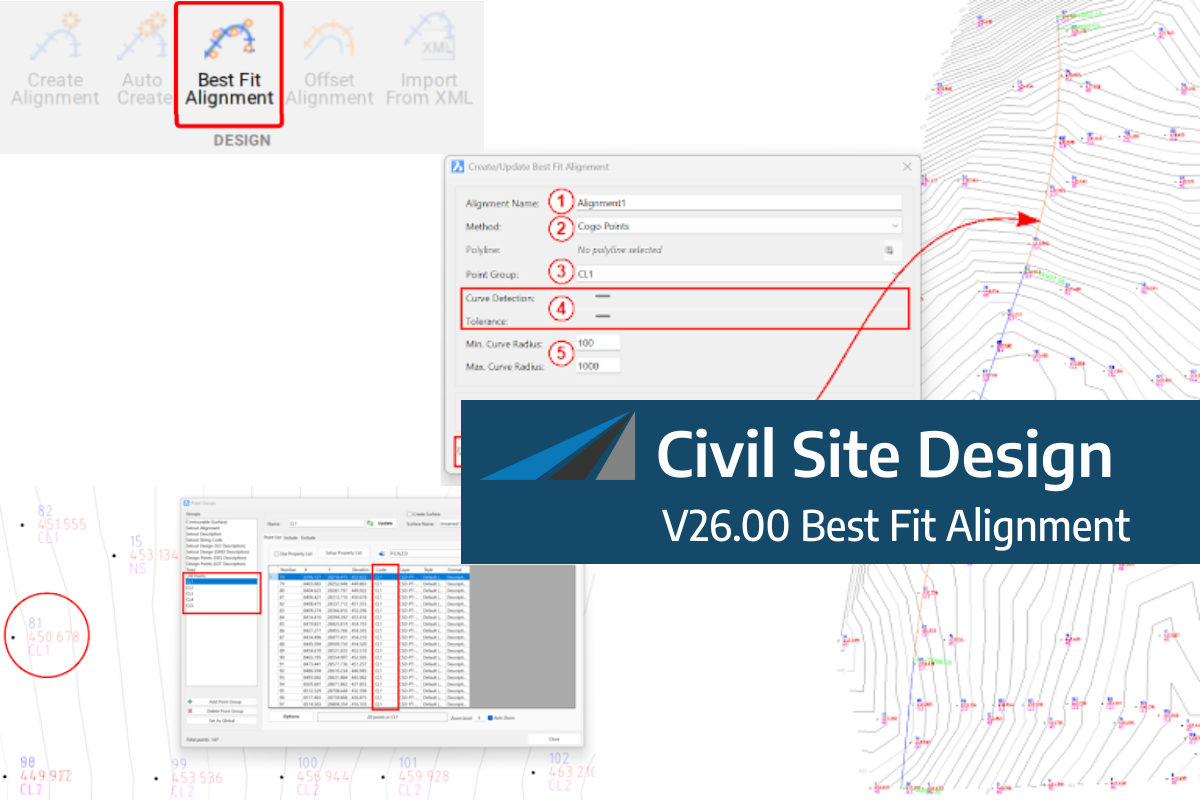
A new feature of Civil Site Design V26 is the Best Fit Alignment command. This command is available to AutoCAD and BricsCAD users and allows you to create an alignment based on Cogo Point or polyline data. When the command is run, the Best Fit algorithm analyses the Cogo Points in the specified Point […]

One of the exciting new features in the Civil Site Design V26 and Stringer Topo V26 release is the Surface from LAS command. Often LiDAR and point cloud data is saved as a LAS file, which previously required interpreting in another software prior to being imported to create a surface. This new command allows you […]
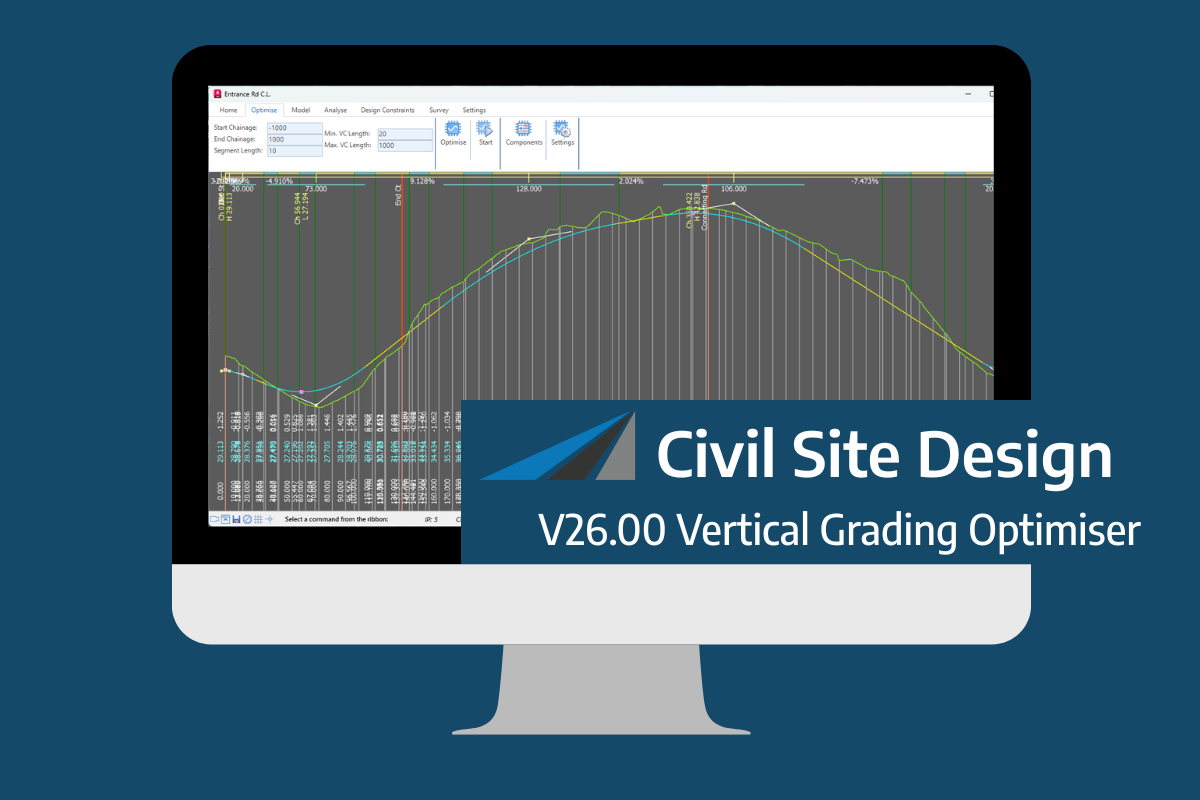
An exciting new tool in Civil Site Design/Corridor EZ v26 is the Vertical Grading Optimizer which can create vertical design profiles based on the parameters you set. Previously, the vertical best fit design profile was based on matching closely to the terrain (within preset cut/fill depths) and adding vertical curves. Mostly, you would remove these […]
