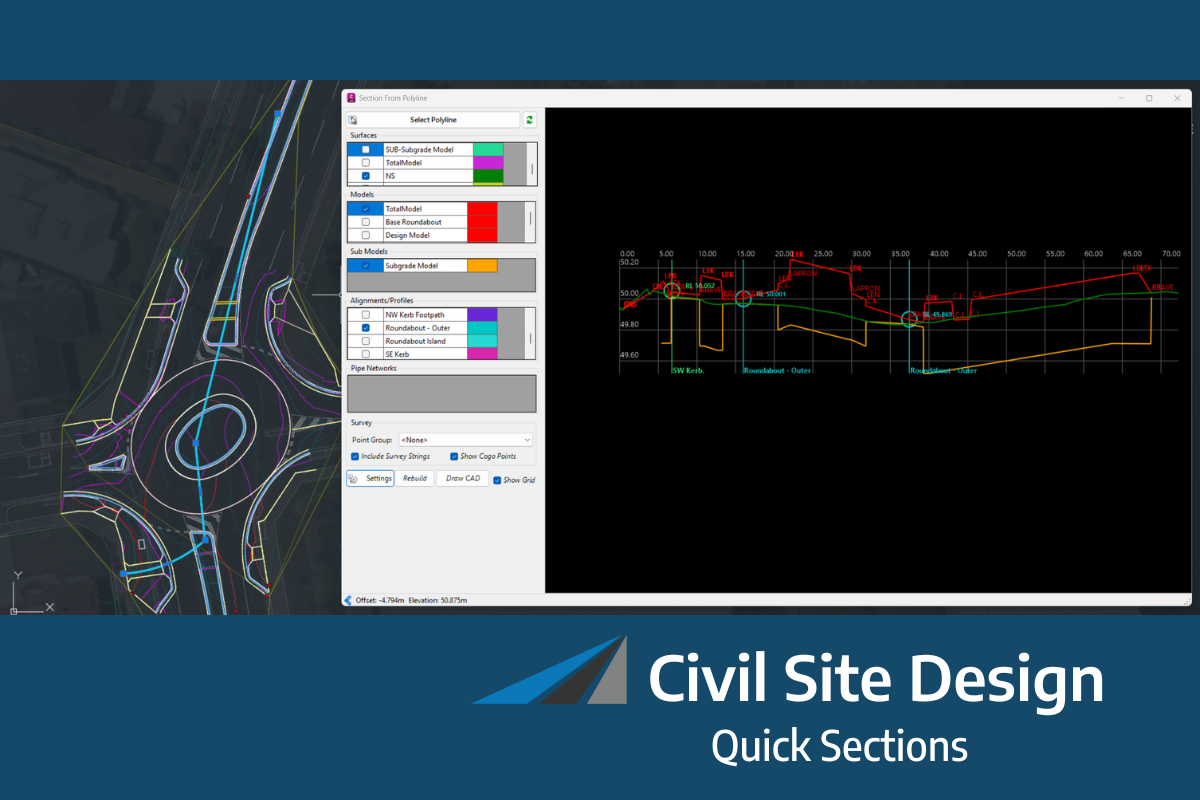
Managing drainage networks often involves working across multiple tools, views, and workflows to access pipes, structures, catchments, reports, and long sections. As projects grow in size and complexity, maintaining visibility across the entire network becomes increasingly important.
That’s why Civil Site Design v27 introduces a dedicated Pipe Network Toolspace, a centralised workspace designed to simplify the management, analysis, and reporting of drainage networks.
With a structured, hierarchical view of your network components, engineers can now access everything they need from a single location.
A Dedicated Home for Pipe Networks
For the first time, pipe networks have a dedicated, organised home within the Civil Site Design Toolspace.
This new interface brings together all network elements into a single management environment, making it easier to navigate, review, and maintain drainage infrastructure throughout the design process.
Rather than searching through drawings or multiple dialogs, users can access key network components through a clear, structured hierarchy.
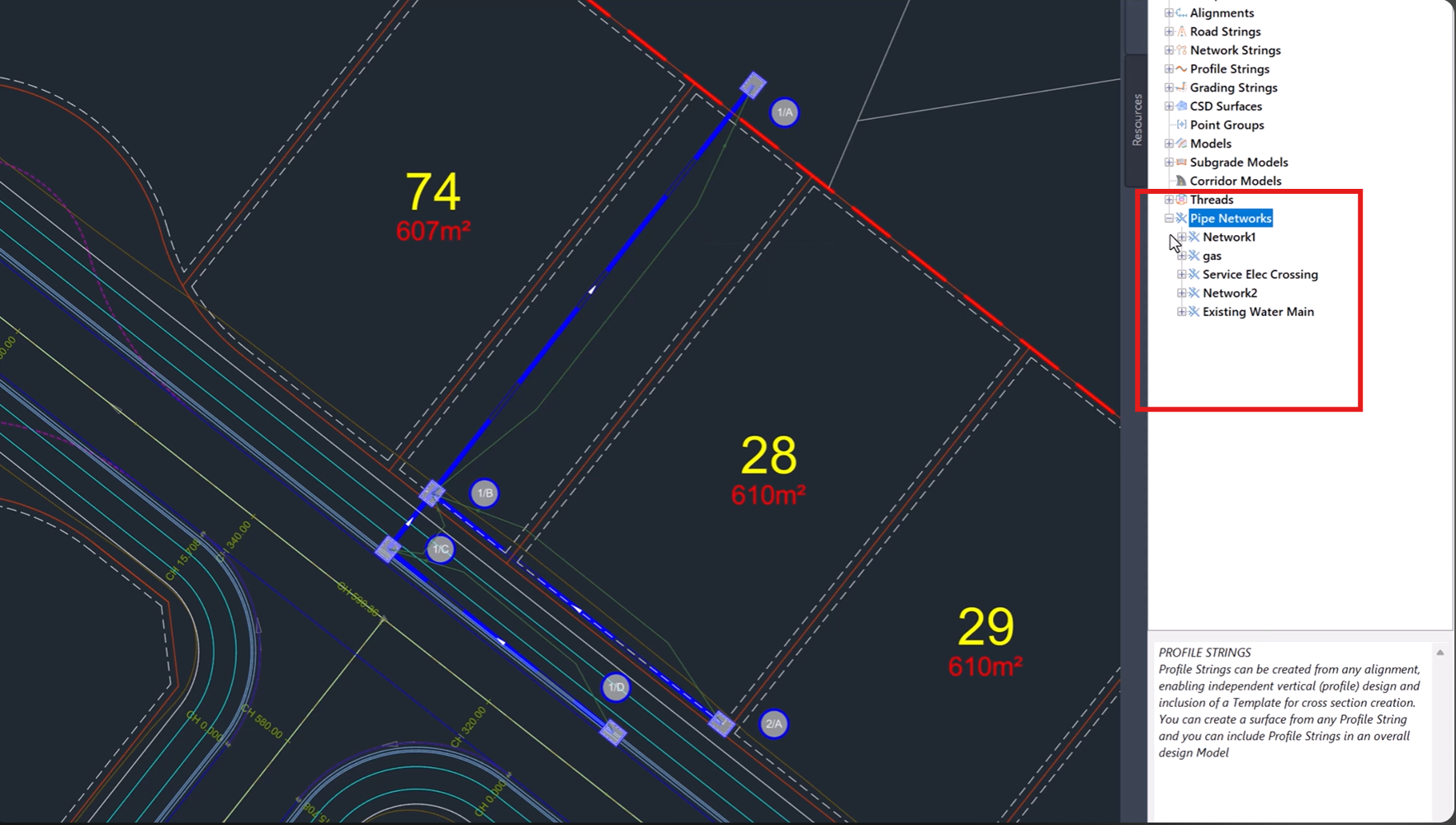
View Your Entire Network at a Glance
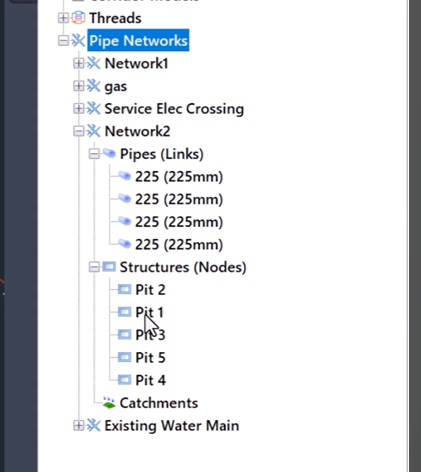
The new Pipe Network Toolspace provides a logical, hierarchical view of your drainage design, allowing you to easily navigate between:
-
Pipe networks
-
Pipes
-
Structures
-
Catchments
-
Associated network components
This organised approach improves project visibility and helps users quickly locate and manage specific elements within even the largest drainage systems.
By presenting network information in a familiar tree structure, the Toolspace makes network management more intuitive and efficient.
Simplify Drainage Network Management
Managing network components becomes significantly easier when all project information is available from a central location.
The Pipe Network Toolspace allows users to review and organise network assets without constantly switching
between commands or searching through drawing entities.
This streamlined workflow helps improve productivity while providing greater confidence that all network elements are properly coordinated.
Faster Long Section Plotting
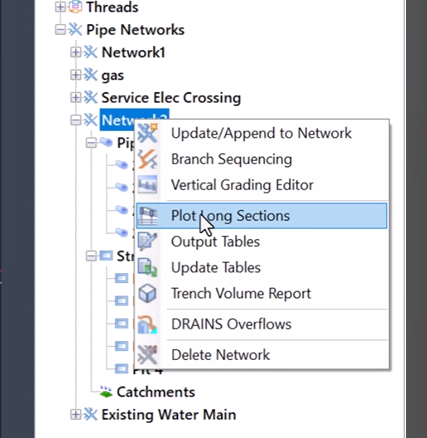
Long sections remain one of the most important outputs in drainage design.
The new Toolspace provides direct access to long section plotting tools, making it easier to generate and review drainage profiles throughout the project lifecycle.
With network data organised in a structured environment, producing long sections becomes a faster and more efficient process.
Streamlined Reporting and Exporting
In addition to network management and plotting capabilities, the Toolspace also simplifies reporting and data export workflows.
Users can quickly access options to:
-
Generate network reports
-
Review drainage information
-
Export network data
-
Share project outputs with stakeholders
Having these functions available within the same workspace reduces workflow interruptions and improves overall project efficiency.
Designed for Better Project Visibility
One of the greatest advantages of the new Pipe Network Toolspace is the improved visibility it provides across the entire drainage network.
Whether reviewing catchment information, inspecting pipe connectivity, or generating project deliverables, engineers can work from a single, organised interface that keeps all critical information readily accessible.
This enhanced visibility helps improve coordination, reduce oversight, and support better design decision-making throughout the project.
Key Benefits of the Pipe Network Toolspace
-
Dedicated workspace for pipe networks
-
Structured hierarchical network navigation
-
Centralised management of pipes, structures, and catchments
-
Faster access to long section plotting
-
Streamlined reporting workflows
-
Simplified network exporting
-
Improved project visibility and organisation
-
More efficient drainage design management
A Smarter Approach to Drainage Design
The introduction of the Pipe Network Toolspace represents a significant improvement to how drainage networks are managed within Civil Site Design.
By bringing network navigation, management, plotting, reporting, and exporting together into a single environment, V.27 helps engineers work more efficiently while maintaining complete visibility over their drainage infrastructure.
The result is a cleaner, more organised workflow that makes managing complex pipe networks easier than ever.
Available Now in Civil Site Design v27
The new Pipe Network Toolspace is available as part of Civil Site Design v27 and forms another key enhancement in the platform’s ongoing commitment to improving productivity and usability.
Explore the new centralised workspace and discover a faster, more organised way to manage your drainage networks from concept through to project delivery.
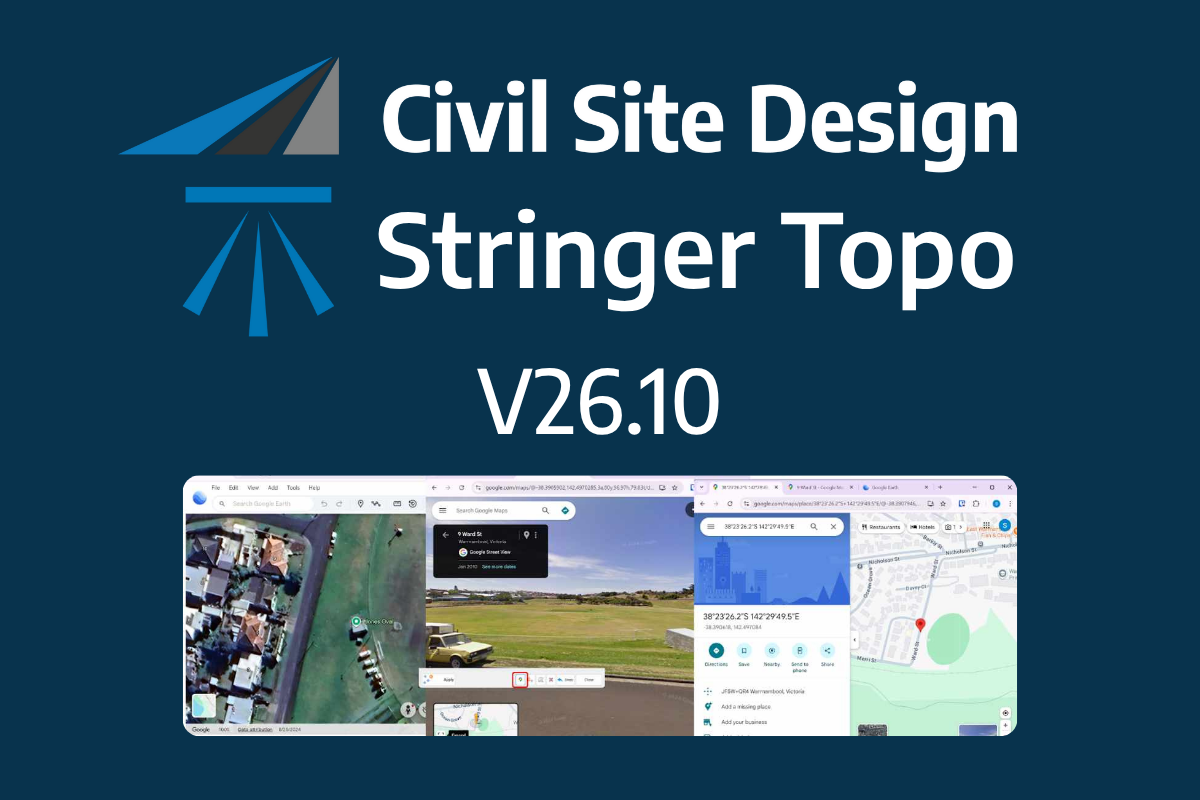
The latest releases of Civil Site Design V26.10 and Stringer Topo V26.10 are here! These updates focus on addressing customer-reported issues, improving pack mode performance, and introducing new features and efficiency enhancements for working with COGO points and Survey Strings. Civil Site Design V26.10 is available on the following platforms: Civil 3D 2021 to Civil […]
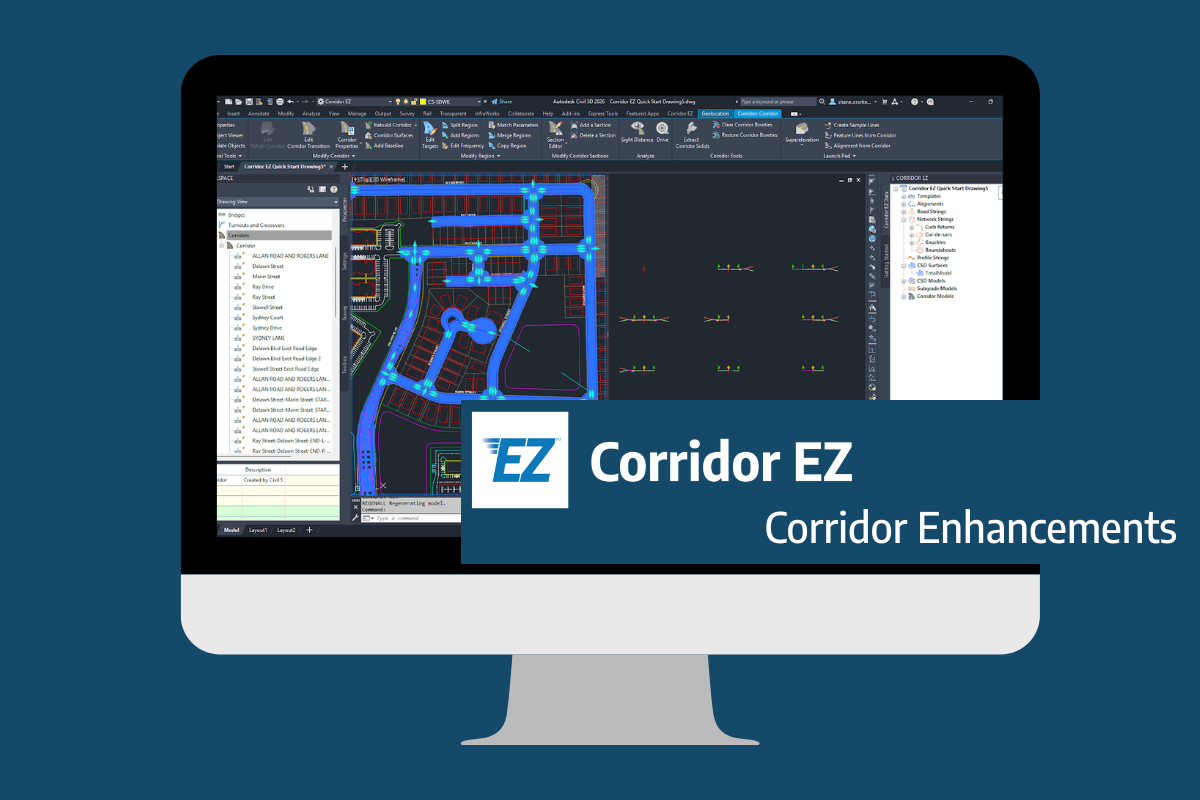
Our streamlined design process shaves hours and days off your Civil 3D projects, including the creation of a Civil 3D Corridor complete with multiple regions, target mapping, and assemblies, at the click of a button. We always aimed to make the corridor like you would, reusing and consolidating similar assemblies wherever possible. So, for the […]
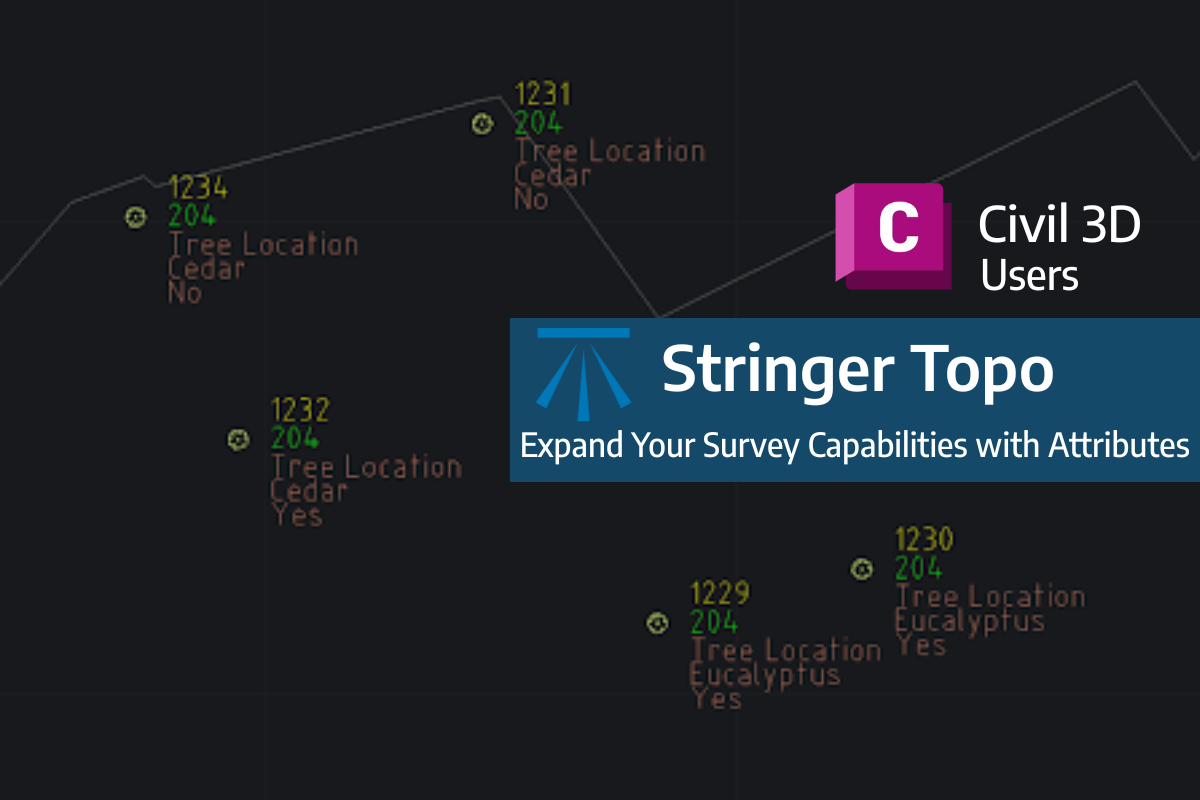
Field attributes provide Surveyors with the ability to include additional data in their Survey pickup of points. With Stringer Topo V26 users can now include additional data (attribute data) with their COGO points and survey strings for review, editing and output from their drawing. There are a number of ways to add attributes to your […]