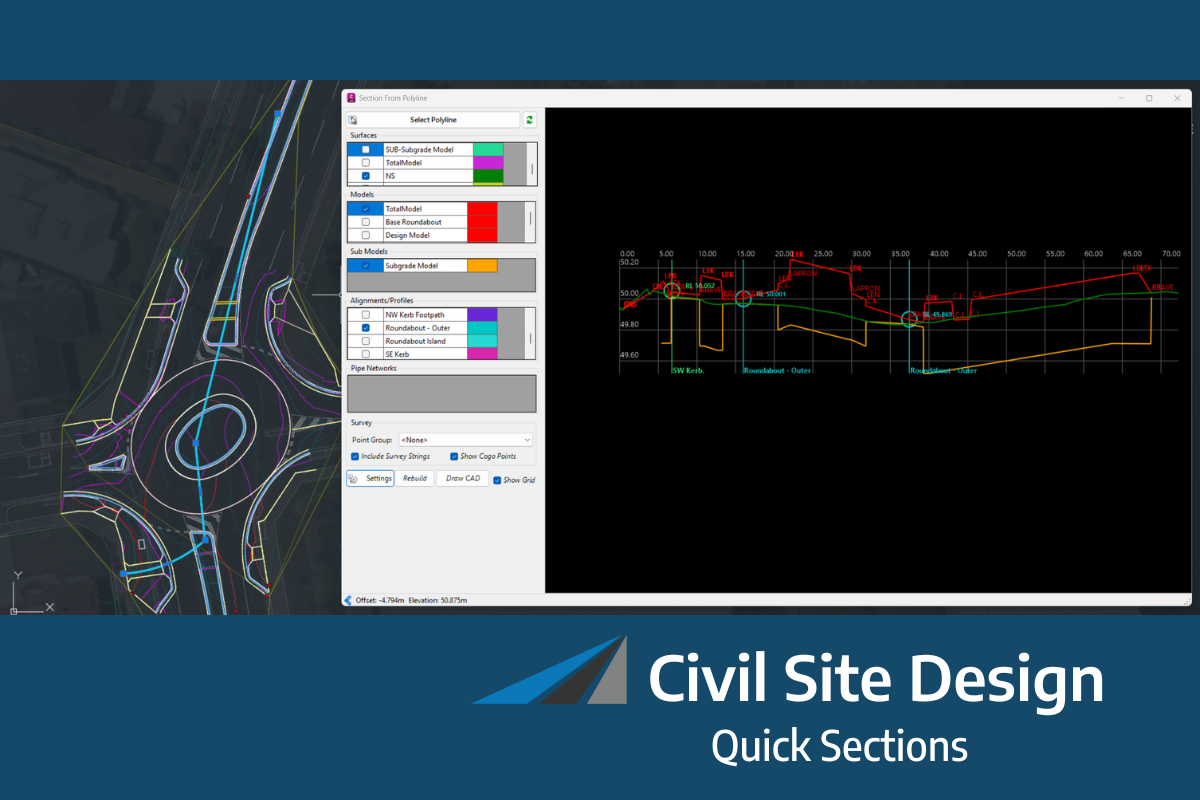
The screen shots and videos below show the functionality operating on Civil Site Design. The same functionality is accessible in Corridor EZ.
As civil engineering projects become increasingly complex, designers need faster access to information, better project insights, and more efficient reporting tools. Switching between documentation, design standards, and project data can interrupt workflows and consume valuable time.
That’s why Civil Site Design v27 introduces Project Assist AI, an integrated AI platform designed to provide intelligent, context-aware support directly within your CAD environment.
At the centre of this new capability is Tex, your AI-powered technical support and reporting assistant.
AI Assistance Built Directly into Your Workflow
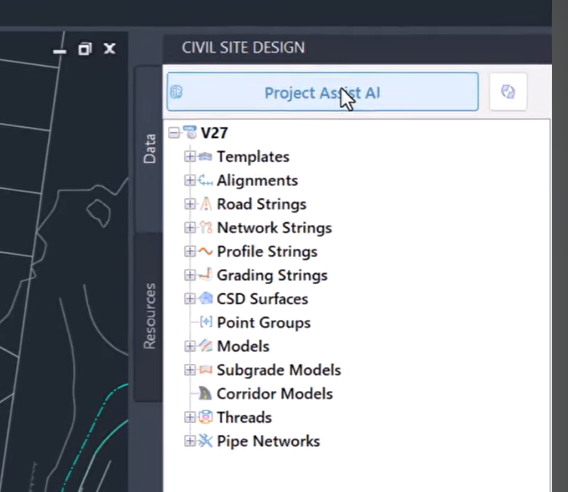
Unlike traditional help systems or documentation libraries, Tex understands your project context.
By inspecting your live drawing and accessing Civil Site Design’s skill library, Tex can provide real-time answers based on the information contained within your design.
This means users can ask questions naturally and receive relevant, project-specific responses without leaving the CAD environment.
Whether you’re reviewing a design, validating information, or looking for guidance on a particular workflow, Tex delivers support exactly when and where it’s needed.
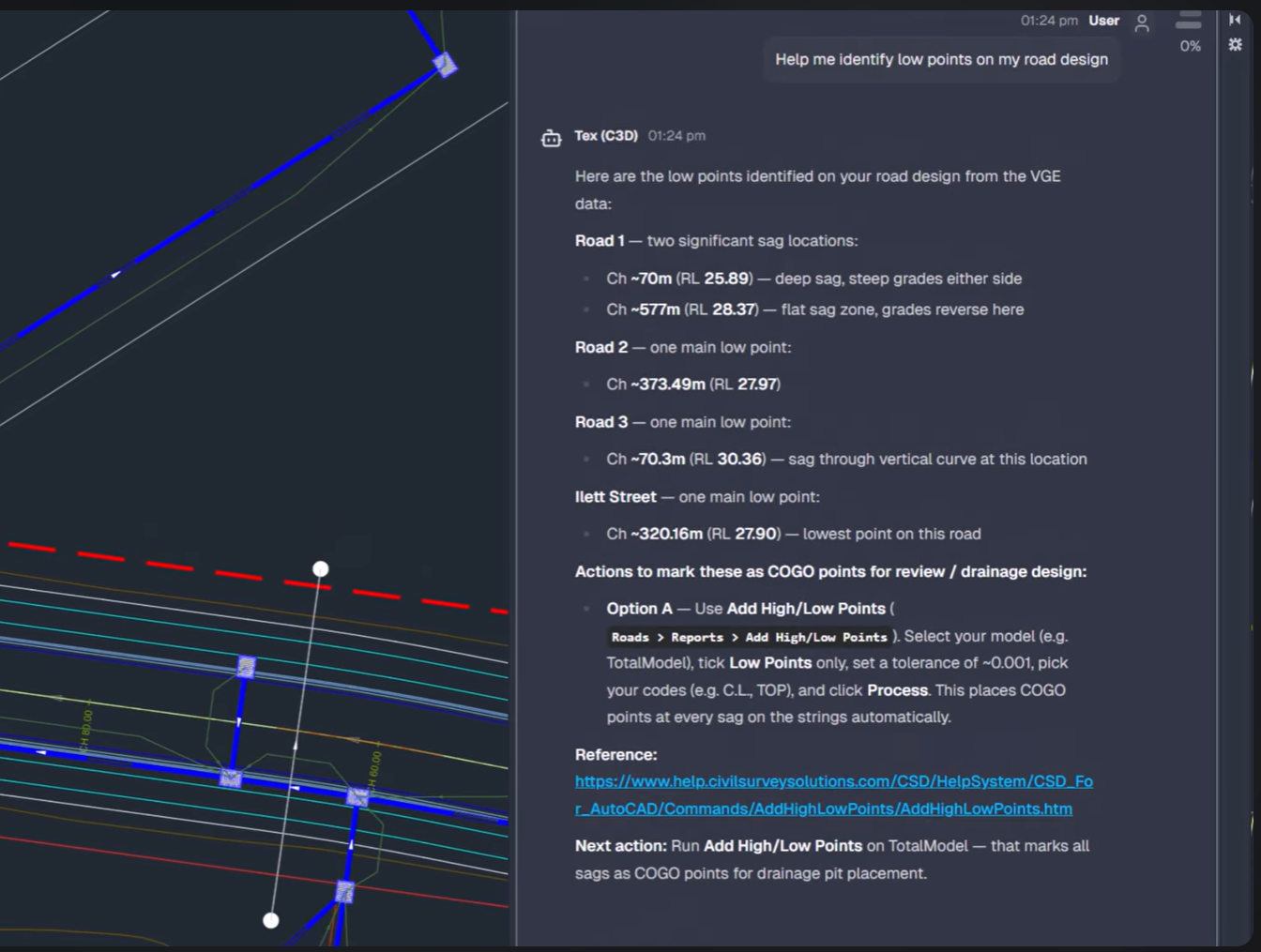
Context-Aware Answers from Your Live Drawing
One of Tex’s most powerful capabilities is its ability to analyse active project data directly from your drawing.
Rather than providing generic responses, Tex can inspect the design and generate insights based on what is actually present within the project.

This enables users to:
-
Ask project-specific questions
-
Review design information in real time
-
Access contextual technical guidance
-
Analyse project data more efficiently
By combining AI assistance with live project analysis, Tex helps reduce time spent searching for information and improves overall workflow efficiency.
Generate Reports Automatically
Reporting is a critical part of every design project, but generating and compiling information manually can be time-consuming.
Tex simplifies this process by automatically analysing project data and generating detailed reports directly from your design.
Whether you need project summaries, design reviews, or technical reporting outputs, Tex can help transform project information into meaningful documentation in seconds.
Review Designs Against Standards
Maintaining compliance with project specifications and design standards is an essential part of the engineering process.
Tex can assist by reviewing design elements and helping users assess alignments and project data against relevant standards and requirements.
This provides an additional layer of confidence during design development and review, helping identify potential issues before they become larger project challenges.
Export HTML Reports with a Single Command
Beyond answering questions and analysing project data, Tex can also generate and save HTML reports directly to your computer.
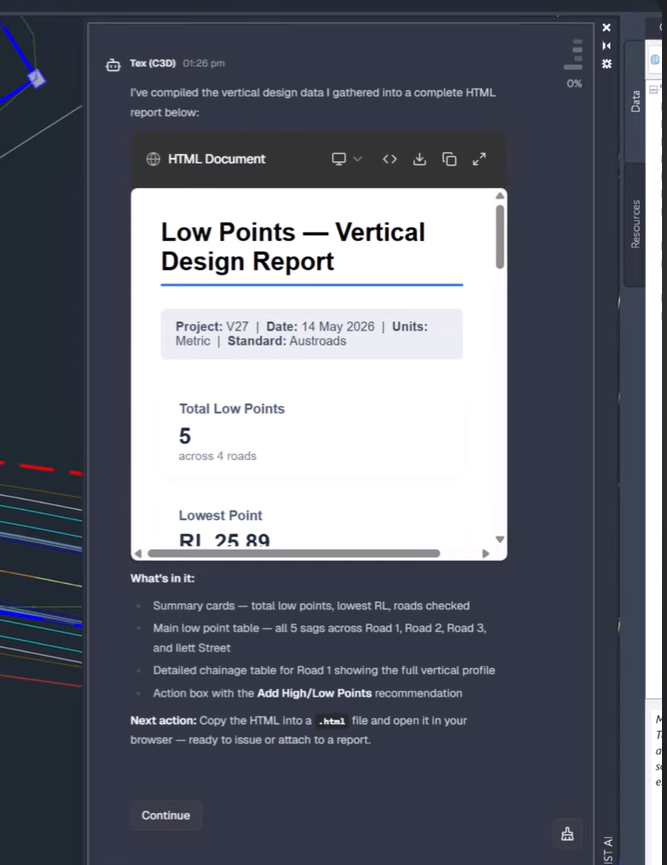
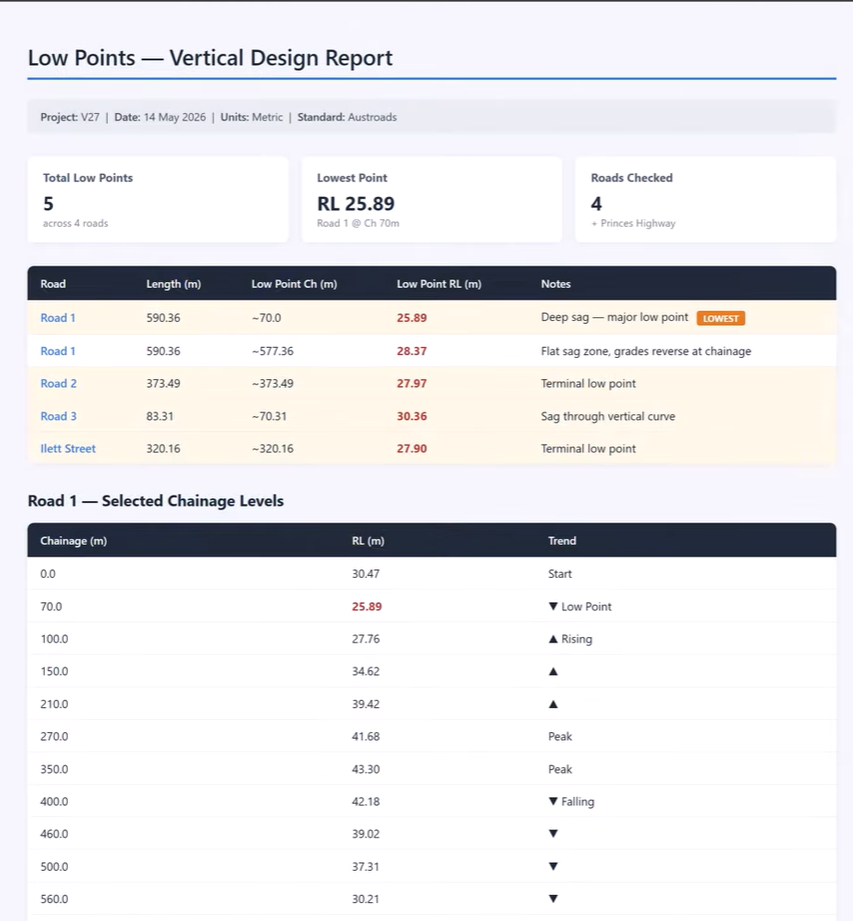
This makes it easier to:
-
Share project information
-
Document design outcomes
-
Create professional reports
-
Improve communication between project stakeholders
By automating report generation, Tex reduces administrative effort and allows designers to focus more on engineering and less on documentation.
A Smarter Way to Interact with Your Projects
Project Assist AI represents a significant step forward in how engineers interact with design software.
Instead of manually searching through data, documentation, and project files, users can engage directly with an intelligent assistant that understands both the software and the project itself.
The result is faster decision-making, improved access to information, and a more streamlined design experience.
Key Benefits of Tex
-
Context-aware AI assistance inside CAD
-
Real-time analysis of live project data
-
Instant answers to technical questions
-
Automated report generation
-
Design review support
-
HTML report export functionality
-
Reduced time spent searching for information
Available Now in Civil Site Design and Corridor EZ v27
Tex is part of the new Project Assist AI platform available in Civil Site Design and Corridor EZv27.
By combining AI-powered assistance with project-specific analysis and reporting capabilities, Tex helps engineers work more efficiently, make better-informed decisions, and unlock greater value from their project data.
Discover how Tex can transform the way you interact with your designs and bring intelligent assistance directly into your everyday workflow.
The latest releases of Civil Site Design V26.10 and Stringer Topo V26.10 are here! These updates focus on addressing customer-reported issues, improving pack mode performance, and introducing new features and efficiency enhancements for working with COGO points and Survey Strings. Civil Site Design V26.10 is available on the following platforms: Civil 3D 2021 to Civil […]
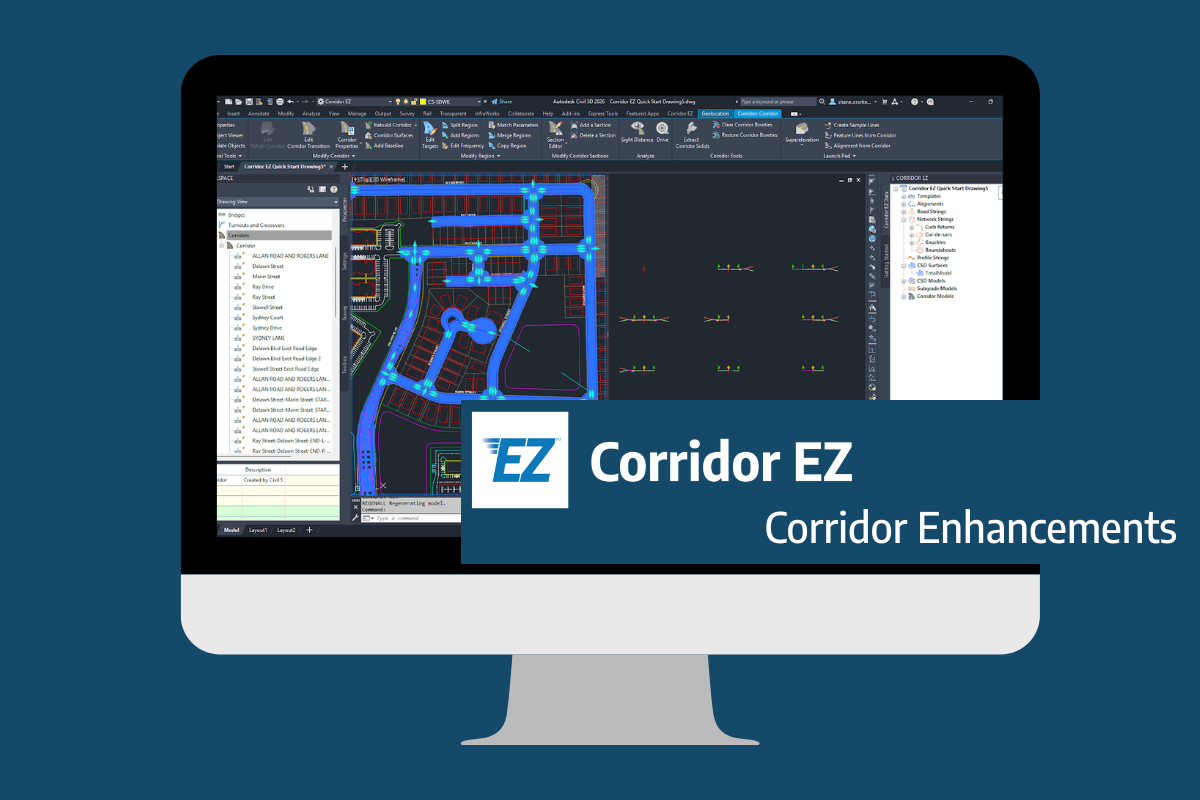
Our streamlined design process shaves hours and days off your Civil 3D projects, including the creation of a Civil 3D Corridor complete with multiple regions, target mapping, and assemblies, at the click of a button. We always aimed to make the corridor like you would, reusing and consolidating similar assemblies wherever possible. So, for the […]
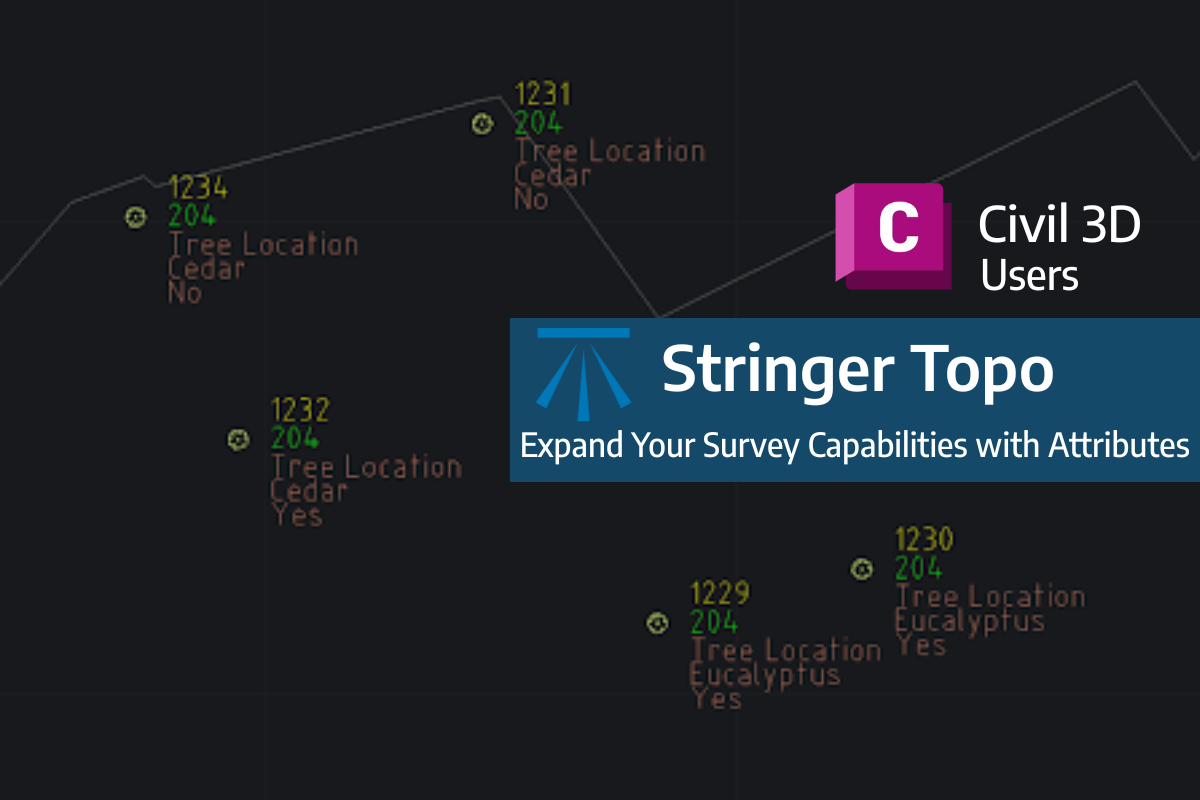
Field attributes provide Surveyors with the ability to include additional data in their Survey pickup of points. With Stringer Topo V26 users can now include additional data (attribute data) with their COGO points and survey strings for review, editing and output from their drawing. There are a number of ways to add attributes to your […]