Once survey data has been imported into your CAD environment, finding errors can be one of the most time-consuming parts of the workflow. Duplicate points, missing string parameters, incorrect elevations, and self-intersecting strings can remain hidden amongst thousands of survey observations, often only becoming apparent after surfaces have been created.
String Audit, new in Stringer v27, changes that.
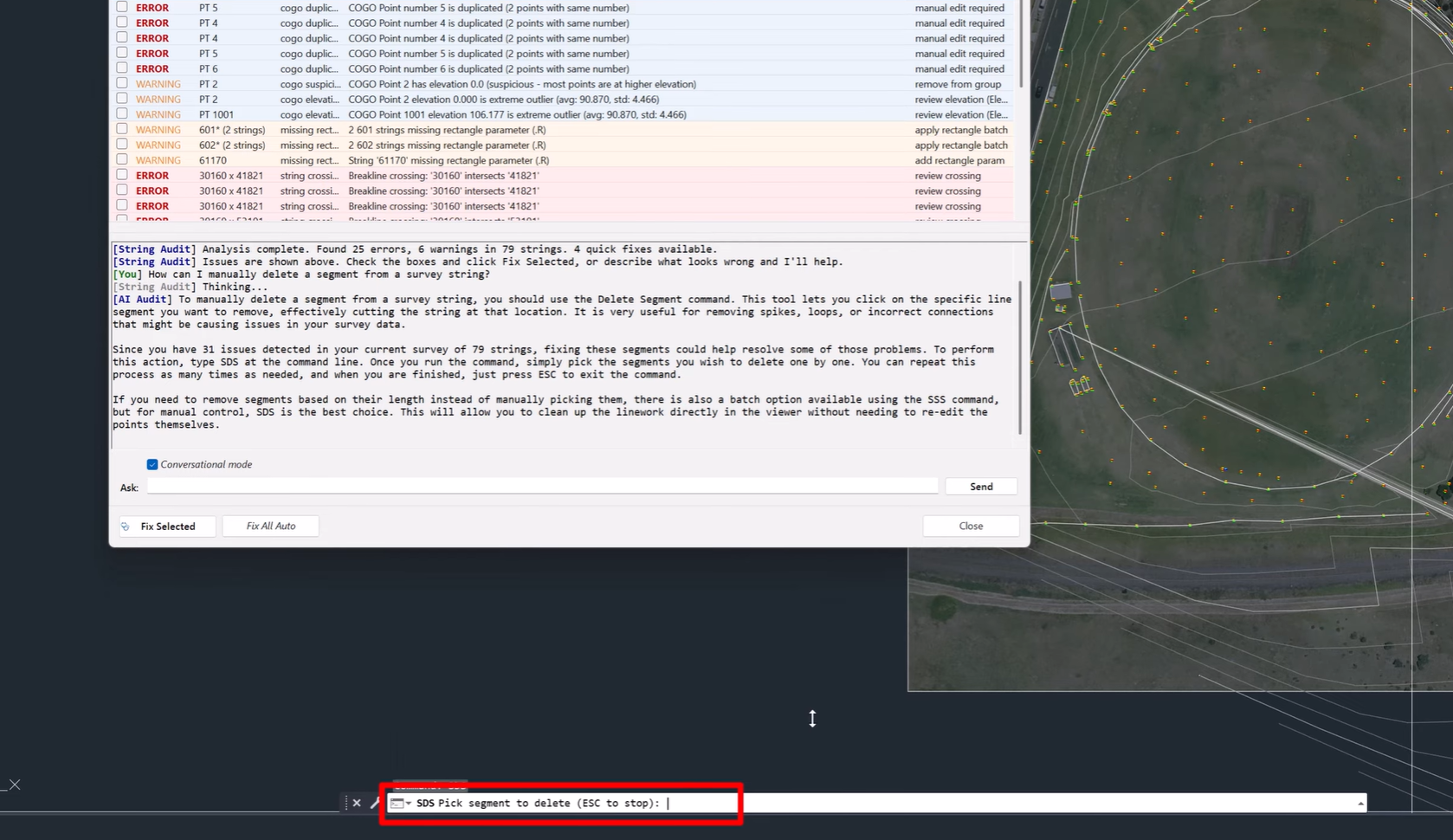
Powered by artificial intelligence, String Audit automatically scans your survey strings and COGO points, identifies common data issues, and recommends intelligent repairs, all in a matter of seconds.
The result is cleaner survey data, more reliable surfaces, and significantly less time spent troubleshooting.
Automatically Find Survey Errors
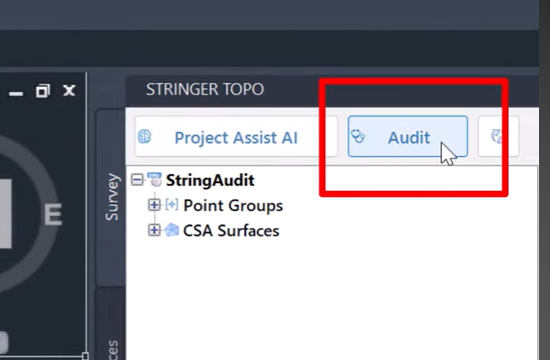
Survey data quality is critical to every downstream design and modelling task.
Rather than manually reviewing thousands of observations, String Audit performs a comprehensive analysis of your survey data, the data that drives every design decision.
This proactive approach allows surveyors to resolve problems early, improving confidence in identifying issues before they have the opportunity to affect your project.
Detect Common Survey Issues Instantly
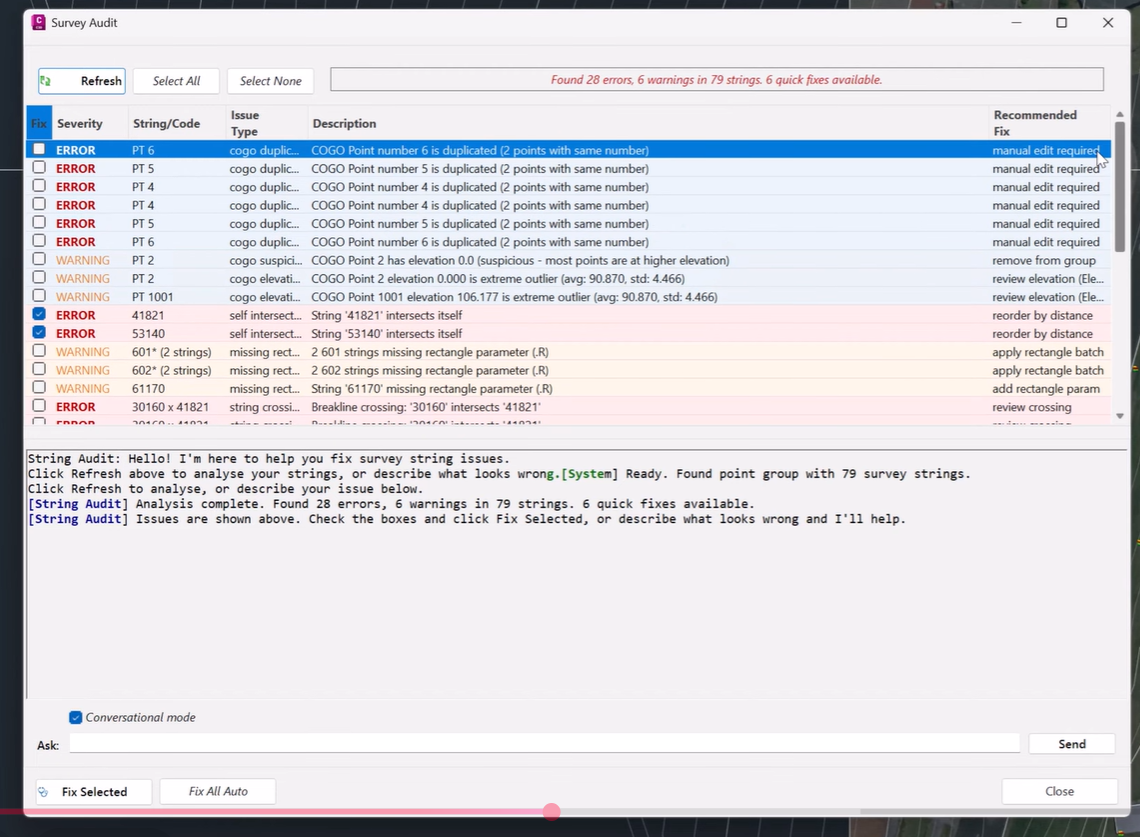
String Audit automatically identifies a wide range of common survey data problems, including:
-
Duplicate COGO points
-
Duplicate point numbers
-
Missing rectangle parameters
-
Missing close parameters
-
Self-intersecting strings
-
Invalid coordinates
-
Suspicious elevations
-
Poorly structured strings
Instead of manually searching through drawings, every issue is clearly presented for review, making quality assurance faster and more consistent.
Jump Straight to the Problem
Once an issue has been identified, String Audit makes it easy to investigate.
Simply select an item from the audit results and Stringer automatically zooms to the exact location in your drawing.
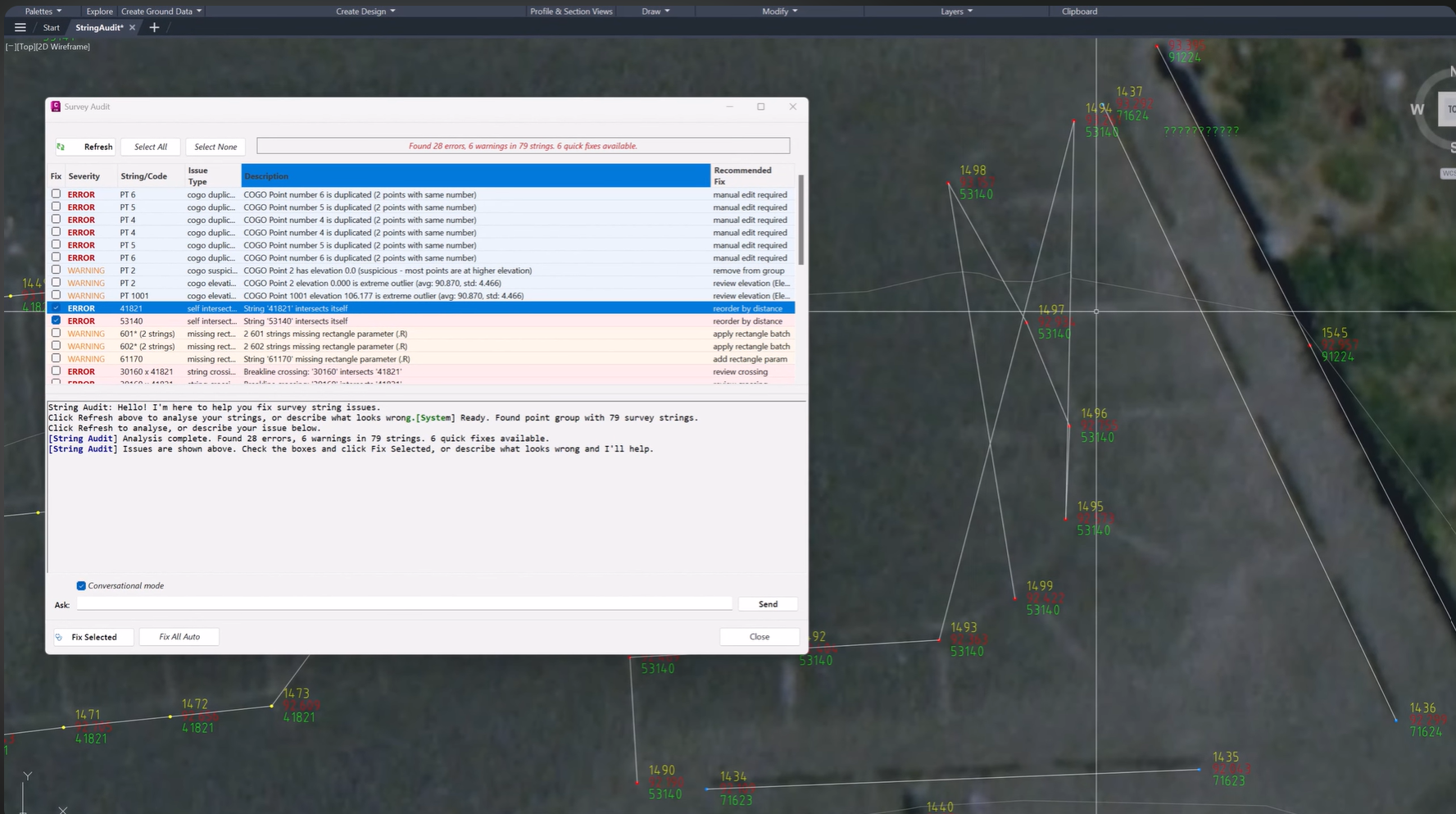
This immediate visual feedback allows you to quickly understand the issue, verify the problem, and decide on the most appropriate course of action.
No more searching through thousands of survey observations trying to locate a single error.
Repair Problems Automatically
Finding problems is only half the solution.
String Audit also provides intelligent repair tools capable of automatically correcting many common survey issues.
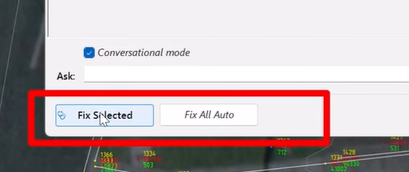
Users can repair individual problems or choose Fix All Auto to apply every available correction in a single operation.
Automatic repairs include:
-
Removing duplicate points
-
Repairing missing parameters
-
Reordering poorly structured strings
-
Applying intelligent corrections where appropriate
This dramatically reduces the time spent performing repetitive editing tasks while improving overall survey quality.
Full Control with the Stringer Undo System
Although String Audit can automate many repairs, surveyors remain in complete control.
Every repair operation is fully integrated with the Stringer Undo system, allowing changes to be reviewed and reversed if required.
This provides the confidence to take advantage of automation while maintaining full control over project data.
Ask the AI for Help
Not every survey issue is immediately obvious.
When you’re unsure what’s causing a problem, simply describe what you’re seeing in plain English.

The built-in AI assistant analyses your survey data, explains potential causes, and recommends the most appropriate solution based on the information available.
Rather than searching documentation or relying on trial and error, surveyors can receive intelligent, context-aware guidance directly within Stringer.
Improve Data Quality Before It Becomes a Problem
Clean survey data is the foundation of every successful project.
By automatically identifying errors, recommending repairs, and providing AI-assisted guidance, String Audit helps surveyors detect problems earlier, improve data quality, and reduce costly downstream issues.
Instead of spending hours manually validating survey information, teams can focus on delivering accurate, reliable project outcomes.
Key Benefits of String Audit
-
AI-powered survey validation
-
Automatic scanning of survey strings and COGO points
-
Instant detection of common survey errors
-
Automatic repair recommendations
-
One-click Fix All Auto functionality
-
Direct zoom to identified issues
-
AI-powered troubleshooting assistance
-
Integration with the Stringer Undo system
-
Improved survey data quality
-
Reduced troubleshooting time
Smarter Survey Quality Assurance
String Audit represents a major step forward in survey data validation.
By combining automated error detection, intelligent repairs, and AI-powered guidance, Stringer V27 gives surveyors a faster and more reliable way to maintain high-quality survey data.
The result is fewer errors, cleaner surfaces, and greater confidence in every project.
Available Now in Stringer v27
String Audit is available now in Stringer v27 as part of the platform’s growing suite of AI-powered productivity tools.
Discover how automated survey validation can help you find problems faster, improve data quality, and spend less time troubleshooting your survey projects.
Civil Site Design/Corridor EZ V26 introduces support for IFC 4.3 export, giving users a powerful new way to share detailed 3D models with full classification and geometry data. This enhancement allows designers to export corridor models, road elements, and subgrade components as fully structured, BIM-ready files compatible with a wide range of IFC viewers […]
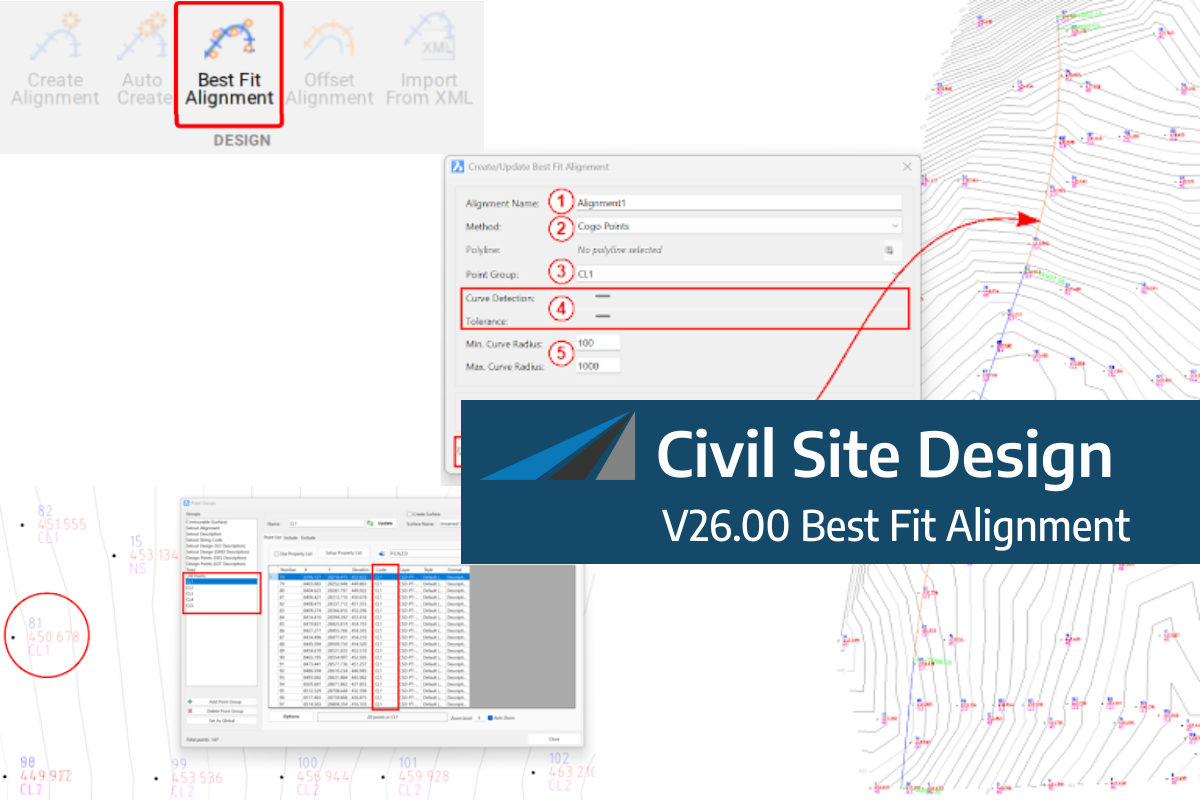
A new feature of Civil Site Design V26 is the Best Fit Alignment command. This command is available to AutoCAD and BricsCAD users and allows you to create an alignment based on Cogo Point or polyline data. When the command is run, the Best Fit algorithm analyses the Cogo Points in the specified Point […]

One of the exciting new features in the Civil Site Design V26 and Stringer Topo V26 release is the Surface from LAS command. Often LiDAR and point cloud data is saved as a LAS file, which previously required interpreting in another software prior to being imported to create a surface. This new command allows you […]
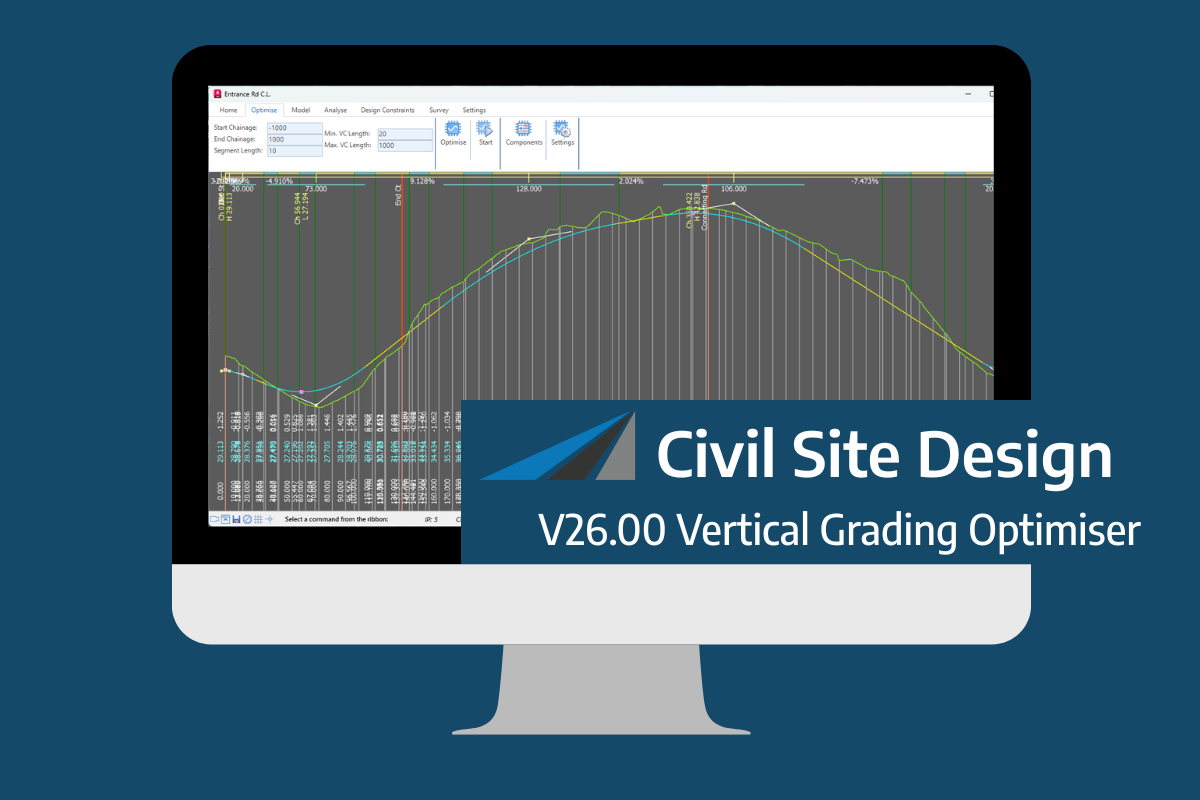
An exciting new tool in Civil Site Design/Corridor EZ v26 is the Vertical Grading Optimizer which can create vertical design profiles based on the parameters you set. Previously, the vertical best fit design profile was based on matching closely to the terrain (within preset cut/fill depths) and adding vertical curves. Mostly, you would remove these […]