
Project Storage | Introduction
Project storage in Civil Site Design and Stringer Topo V25.1 offers a new way to manage project data, enhancing data organisation, protection, and version control. Instead of storing the project data folder next to the DWG file, as in the traditional format, project storage places this folder in a separate location defined by the project storage folder path.
A key feature of project storage is the assignment of a unique GUID (Globally Unique Identifier) to each project data folder. This GUID acts like a digital fingerprint, ensuring that even if multiple projects share the same storage location, their data remains separate and distinct. This prevents any accidental mixing of information, protecting data integrity.
Project Storage | Restoring Projects
Project Storage implements a version control system. Every time a project is opened, a new data folder is created with a unique GUID. This ensures that each work session begins with a clean copy of the project data, safeguarding against accidental modifications impacting previous versions. Previous versions of the data folder are preserved within the project storage location, allowing users to revert to earlier project states if needed.

With the new Convert 2D Objects, Civil Site Design can read your 2D objects, such as text or block attributes and convert them into dynamic, elevated Cogo Points. The result? A live surface onto which design can begin.
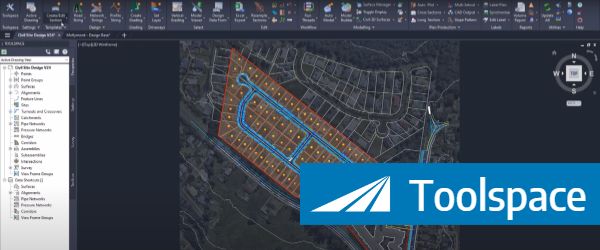
Creating, Reviewing, Editing and finding contextual commands can all be done using the Toolspace, which offers the majority of functionality all within a single, dockable palette.
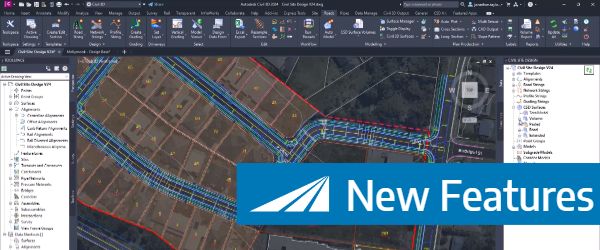
To coincide with the Autodesk 2024 release, Civil site design v24 has been released featuring a number of new and improved features, here is an overview of what's in this release.
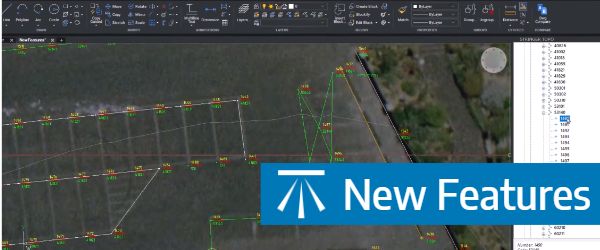
Stringer Topo V24 has been released to support the Autodesk 2024 products, including a number of new and improved features.
