The 2027 releases from Autodesk support NET 10, and in this environment serialised files are no longer supported. We use serialised files for different data file storage and settings purposes.
Below is a list of existing files that are converted to comply with .NET10:
CSA Settings folder
These changes apply to new projects (files copied from this Settings folder into new projects) and any project where these settings files are directly accessed
-
PointParameters.dat
-
Manages linework parameters that apply to COGO points
-
Located in the CSA Settings folder
-
-
SurveyStringsSets.dat
-
Manages the automatic creation of survey strings (2D, 3D polylines and breaklines)between COGO Points
-
Located in the CSA Settings folder
-
Also locally stored per project
-
-
Pipe Network Conversion Files
-
These files control the exchange of pipes and structures from Civil Site Design to Civil 3D
-
Located in the CSA Settings folder
-
Original file extension .ncf
-
-
Settings.dat and SettingsUS.dat
-
Manages the FastTrack Settings
-
-
Learning.dat
-
Part of the FastTrack learning system. This file trains FastTrack based on your alignment naming conventions
-
-
subStyles.dat
-
Sets display styles to apply in Subgrade Model Manager
-
-
subgradeSectionStyles.dat
-
Manages the subgrade section styles (determining which codes and layers to include in a subgrade model
-
-
subViewerManager.dat
-
Viewer (Display) settings for Subgrade Model Manager
-
-
gripSettings.dat
-
Manages the grip controls for display of objects in the drawing
-
Local Data files
These changes apply to the current project and changes are made when the project is first opened in V27.00
-
ProjectAssistSettings.dat
-
Local version of settings.dat, managing FastTrack settings in the current project
-
-
subModels.dat
-
Contains the created subgrade models
-
-
subStyles.dat
-
Sets display styles to apply in Subgrade Model Manager
-
-
subgradeSectionStyles.dat
-
Manages the subgrade section styles (determining which codes and layers to include in a subgrade model
-
-
subViewerManager.dat
-
Viewer (Display) settings for Subgrade Model Manager
-
-
bricsCADSurfaceManager.dat
-
Manages the exchange connections between BricsCAD and CSD/Stringer
-
-
mvProfileSectionAnalsysis.dat
-
Manages the Model Viewer surface analysis controls
-
-
pipesVGESettings.dat
-
Display settings in the Pipes VGE window
-
-
Settings.dat
-
Manages the FastTrack Settings
-
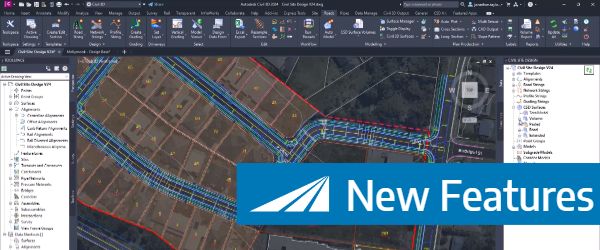
Check out the performance improvements we've introduced into Civil Site Design V24.20 when you're working in the Vertical Grading Editor window.
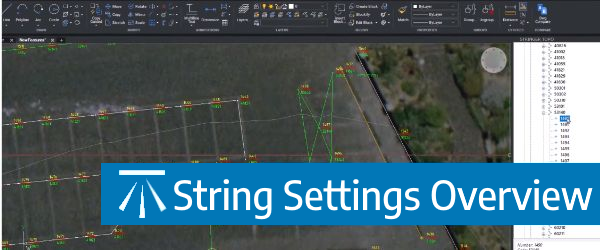
The Survey String Settings command is key to controlling how your Point Codes are used in the creation of breaklines, addition of offsets and the creation of 2D and 3D linework.
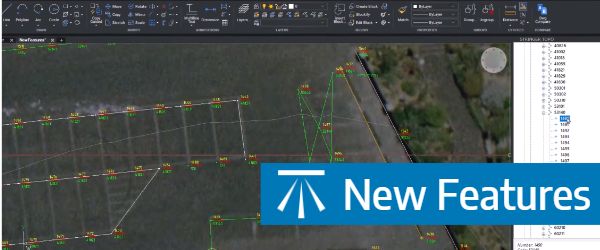
Stringer Topo V24.20 has been released to support the BricsCAD V24 (as well as current releases of Autodesk software), including a number of new and improved features.

We've enhanced the superelevation tools to make it easier for you to quickly and easily assess output of rules-based superelevation, and to make it simple for you to use this tool to vary pavement crossfalls and widths.