The 2027 releases from Autodesk support NET 10, and in this environment serialised files are no longer supported. We use serialised files for different data file storage and settings purposes.
Below is a list of existing files that are converted to comply with .NET10:
CSA Settings folder
These changes apply to new projects (files copied from this Settings folder into new projects) and any project where these settings files are directly accessed
-
PointParameters.dat
-
Manages linework parameters that apply to COGO points
-
Located in the CSA Settings folder
-
-
SurveyStringsSets.dat
-
Manages the automatic creation of survey strings (2D, 3D polylines and breaklines)between COGO Points
-
Located in the CSA Settings folder
-
Also locally stored per project
-
-
Pipe Network Conversion Files
-
These files control the exchange of pipes and structures from Civil Site Design to Civil 3D
-
Located in the CSA Settings folder
-
Original file extension .ncf
-
-
Settings.dat and SettingsUS.dat
-
Manages the FastTrack Settings
-
-
Learning.dat
-
Part of the FastTrack learning system. This file trains FastTrack based on your alignment naming conventions
-
-
subStyles.dat
-
Sets display styles to apply in Subgrade Model Manager
-
-
subgradeSectionStyles.dat
-
Manages the subgrade section styles (determining which codes and layers to include in a subgrade model
-
-
subViewerManager.dat
-
Viewer (Display) settings for Subgrade Model Manager
-
-
gripSettings.dat
-
Manages the grip controls for display of objects in the drawing
-
Local Data files
These changes apply to the current project and changes are made when the project is first opened in V27.00
-
ProjectAssistSettings.dat
-
Local version of settings.dat, managing FastTrack settings in the current project
-
-
subModels.dat
-
Contains the created subgrade models
-
-
subStyles.dat
-
Sets display styles to apply in Subgrade Model Manager
-
-
subgradeSectionStyles.dat
-
Manages the subgrade section styles (determining which codes and layers to include in a subgrade model
-
-
subViewerManager.dat
-
Viewer (Display) settings for Subgrade Model Manager
-
-
bricsCADSurfaceManager.dat
-
Manages the exchange connections between BricsCAD and CSD/Stringer
-
-
mvProfileSectionAnalsysis.dat
-
Manages the Model Viewer surface analysis controls
-
-
pipesVGESettings.dat
-
Display settings in the Pipes VGE window
-
-
Settings.dat
-
Manages the FastTrack Settings
-
The latest releases of Civil Site Design V26.10 and Stringer Topo V26.10 are here! These updates focus on addressing customer-reported issues, improving pack mode performance, and introducing new features and efficiency enhancements for working with COGO points and Survey Strings. Civil Site Design V26.10 is available on the following platforms: Civil 3D 2021 to Civil […]
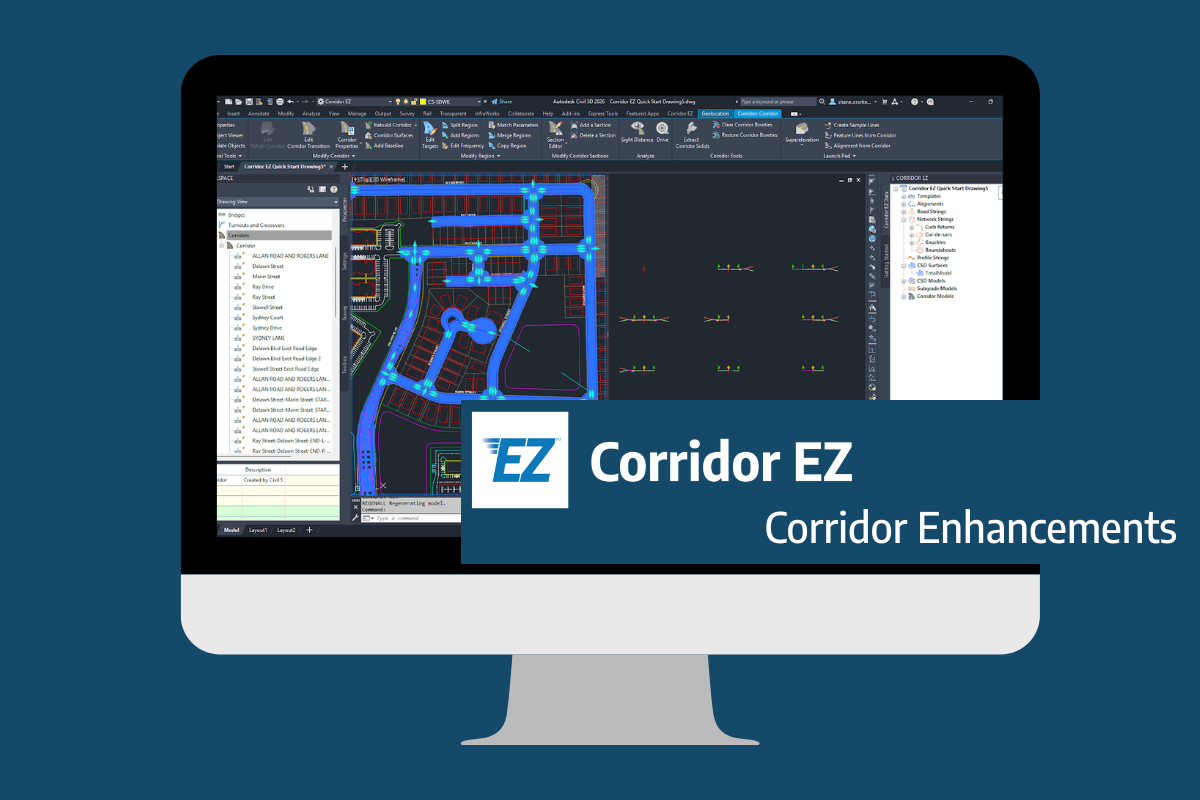
Our streamlined design process shaves hours and days off your Civil 3D projects, including the creation of a Civil 3D Corridor complete with multiple regions, target mapping, and assemblies, at the click of a button. We always aimed to make the corridor like you would, reusing and consolidating similar assemblies wherever possible. So, for the […]
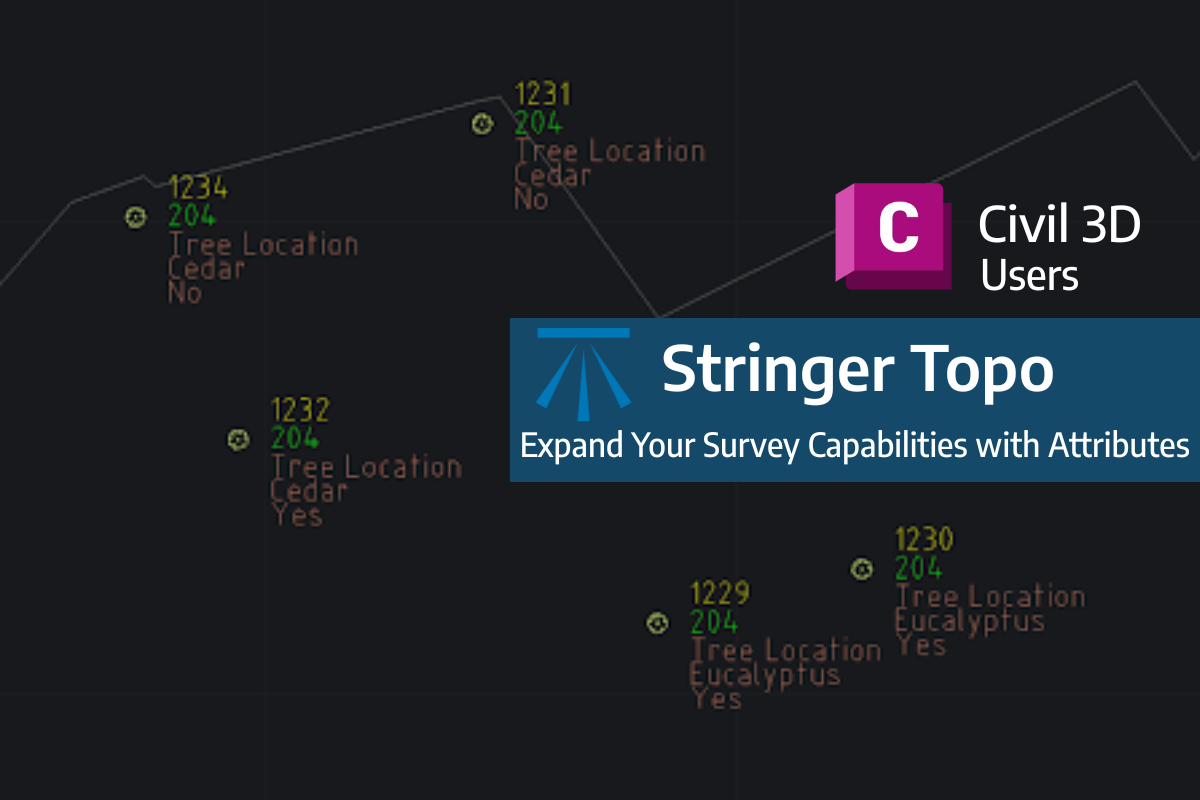
Field attributes provide Surveyors with the ability to include additional data in their Survey pickup of points. With Stringer Topo V26 users can now include additional data (attribute data) with their COGO points and survey strings for review, editing and output from their drawing. There are a number of ways to add attributes to your […]