
A much-requested command from customers has been to provide a tool that converts a 2D polyline into a 3D polyline, by draping it onto a surface.
This is useful for draping design elements to represent controls such as limit of works, matching to existing features and to provide 3D information for further design.
If you are looking for a tool to set objects to adopt surface elevations, check out Drape Objects. This command allows you to select the following objects and set the elevations of these to match the surface:
- Polylines
- Lines and arcs
- Text
- CAD Points, and
- Blocks
The command is simple. After selecting the surface you then can pick a layer containing the objects you want or else pick and choose from the drawing. Next, you pick whether to modify the selected objects or create new objects.
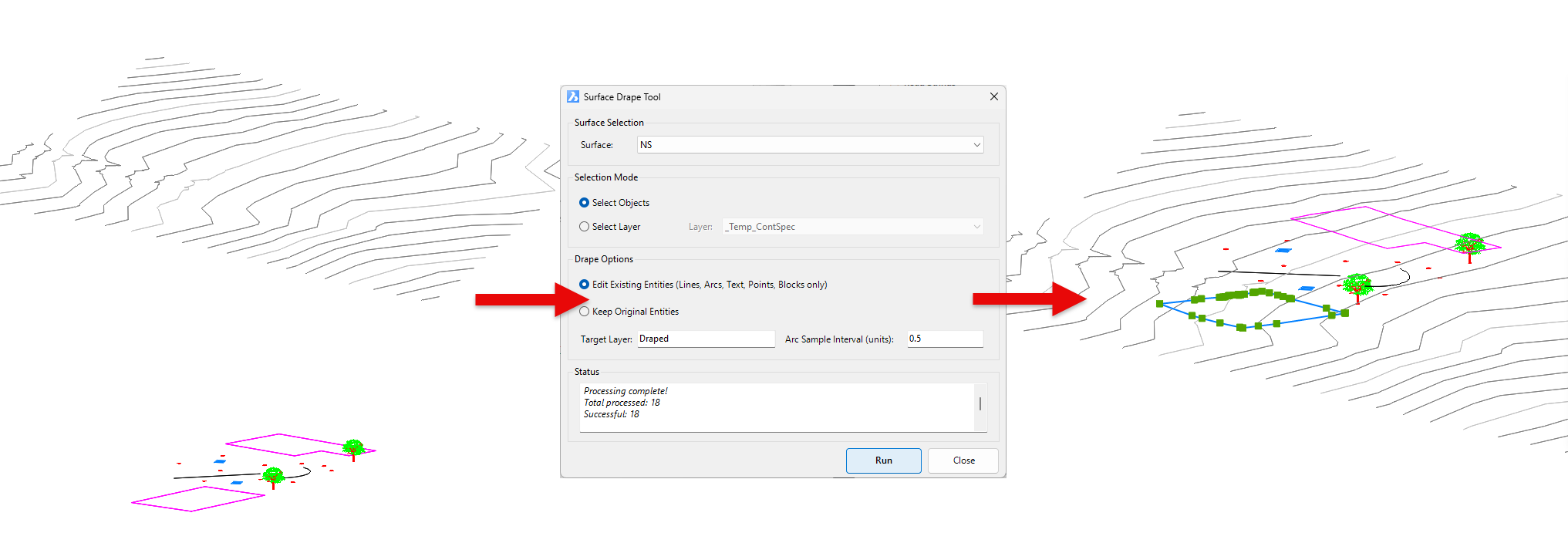
You have the option of making copies of the objects or replacing/modifying them.
For polylines, vertices are added to exactly match the surface elevations including all grade breaks.
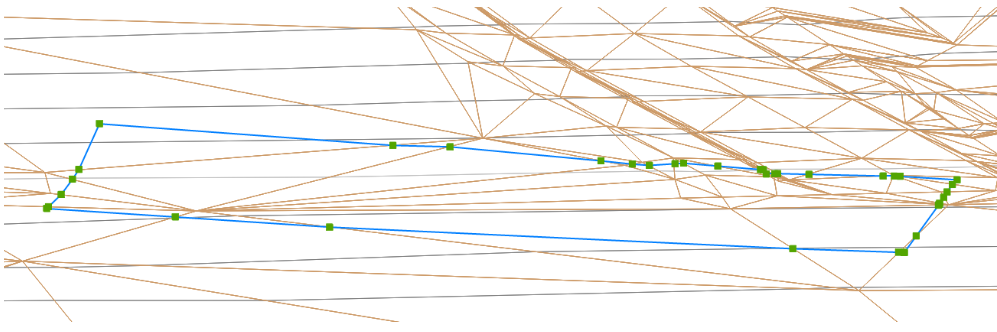
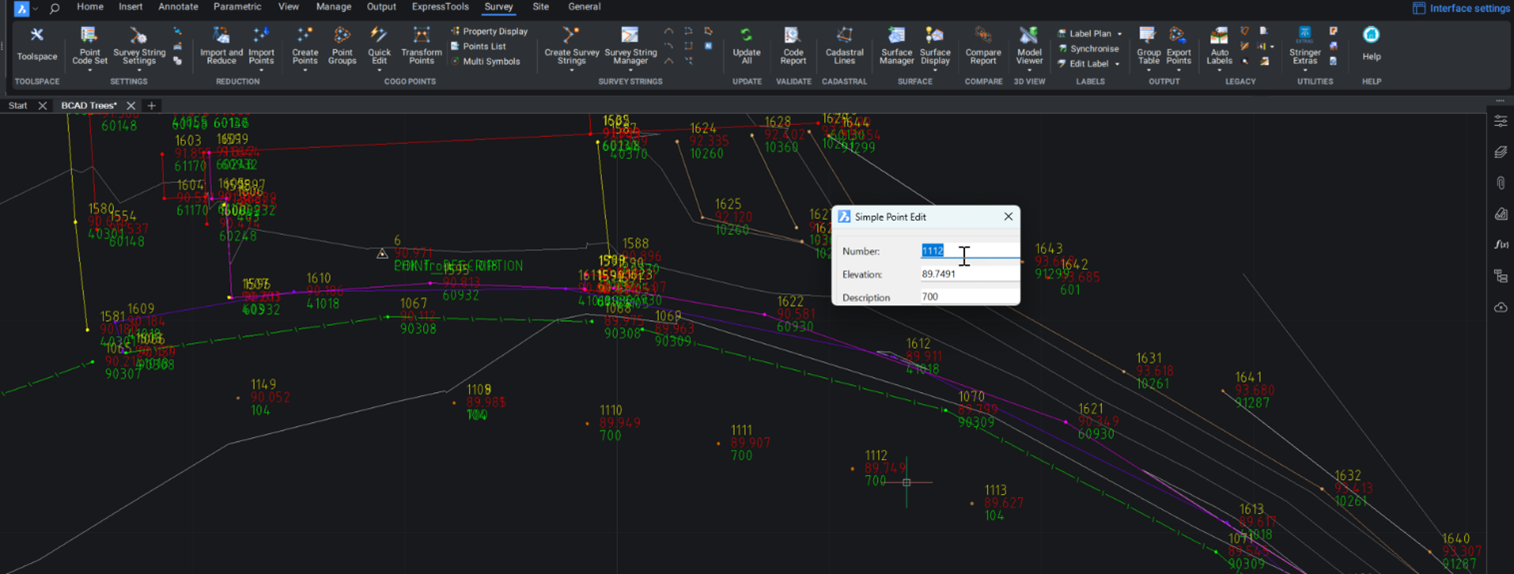
Stringer Topo provides multiple ways for customers to interact with and edit the points and survey strings that define your feature surveys. Using the Survey String Manager, you can select any point or survey string to view properties, and edit the selected object by right click or from the contextual ribbon. The Stringer Toolspace operates as a standard CAD palette, for you to create and edit points, point groups, survey strings and surfaces.
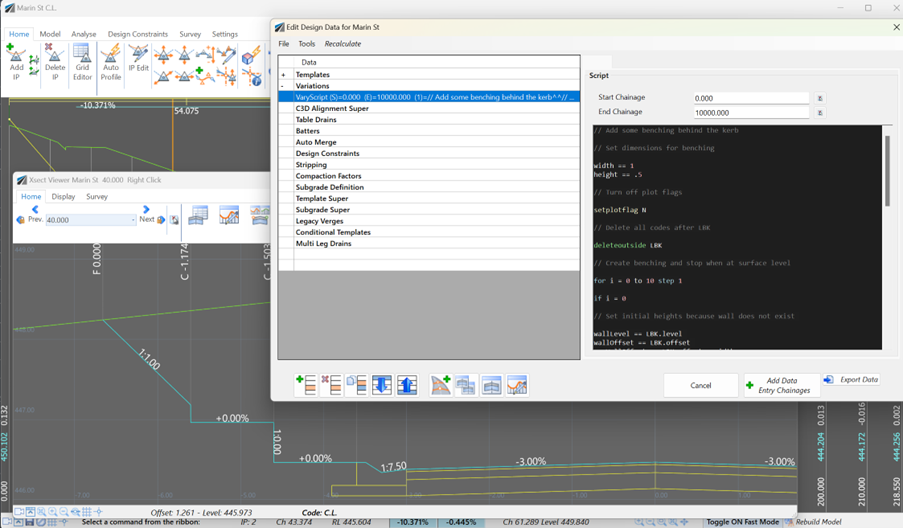
Unlock advanced cross-section editing in Civil Site Design with ScriptX, a user-friendly scripting tool for precision and customization. Easily integrate your scripts into the design process, and collaborate effortlessly with a shared library of scripts. This article will explore ScriptX's capabilities and provide download sample scripts.
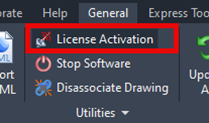
At times you may need to move your standalone Civil Site Design or Stringer license due to hardware failure, formatting of a workstation (PC) or moving to another PC. Here are the instructions on how to complete this process both if the license is accessible or inaccessible.
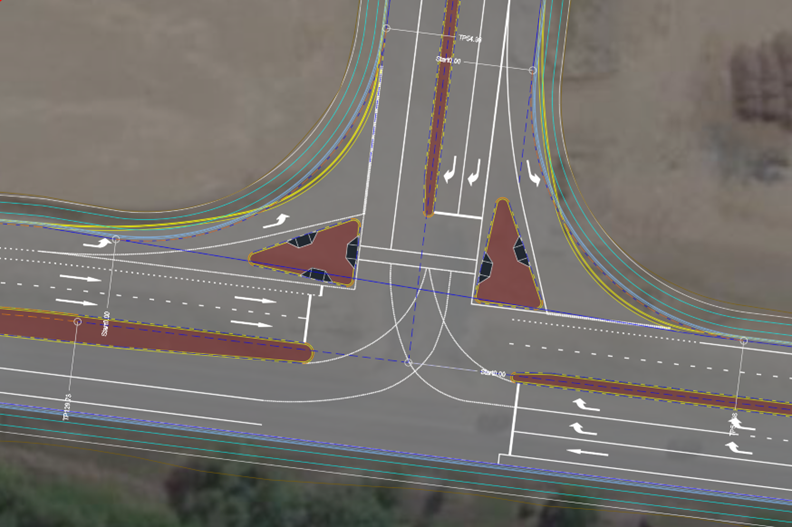
Revolutionise your Civil Site Design with Project Assist: Automating medians and splitter islands effortlessly. This AI-powered tool streamlines island integration by detecting alignments, automatically trimming road strings, and enhancing precision with minimal manual input.
