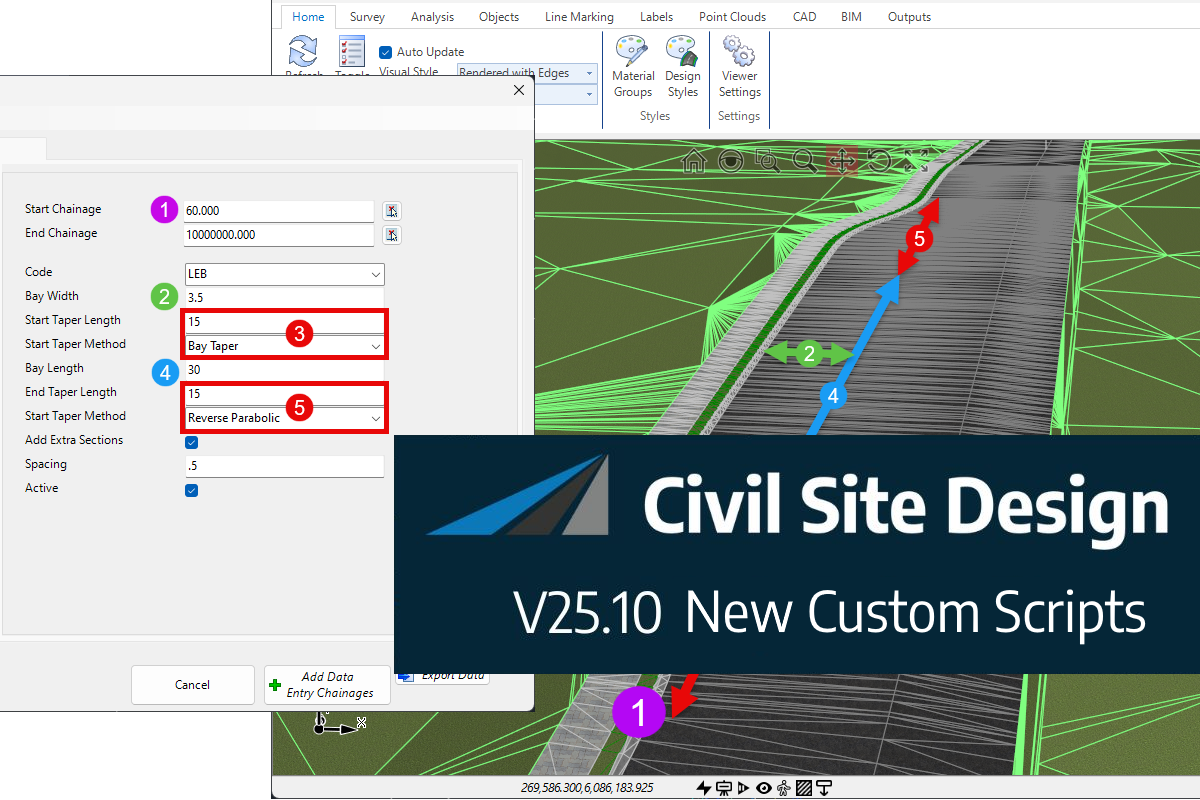
The screen shots and videos below show the functionality operating on Civil Site Design. The same functionality is accessible in Corridor EZ.
Model trimming is an essential part of refining and managing civil design models. Whether extending corridors, adjusting design limits, or refining project extents, trimming workflows have traditionally required users to navigate through dialogs and manually enter chainage values before seeing the results.
With Civil Site Design v27, model trim editing becomes a far more intuitive experience.
The introduction of interactive visual trim grips allows designers to edit trim extents directly within the drawing, providing immediate visual feedback and a significantly faster workflow.
Move Beyond Manual Chainage Entry
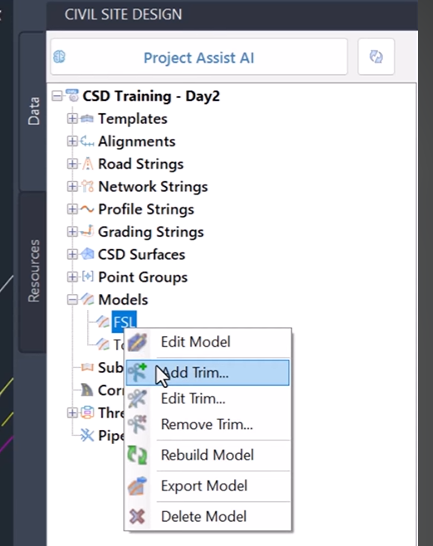
Traditionally, modifying model trims required opening the Model Builder dialog, locating the relevant trim settings, and manually entering chainage values.
While effective, this workflow often involved trial and error as users adjusted values and regenerated models to achieve the desired result.
Civil Site Design v27 replaces this process with a visual editing experience that allows users to work directly within the drawing environment.
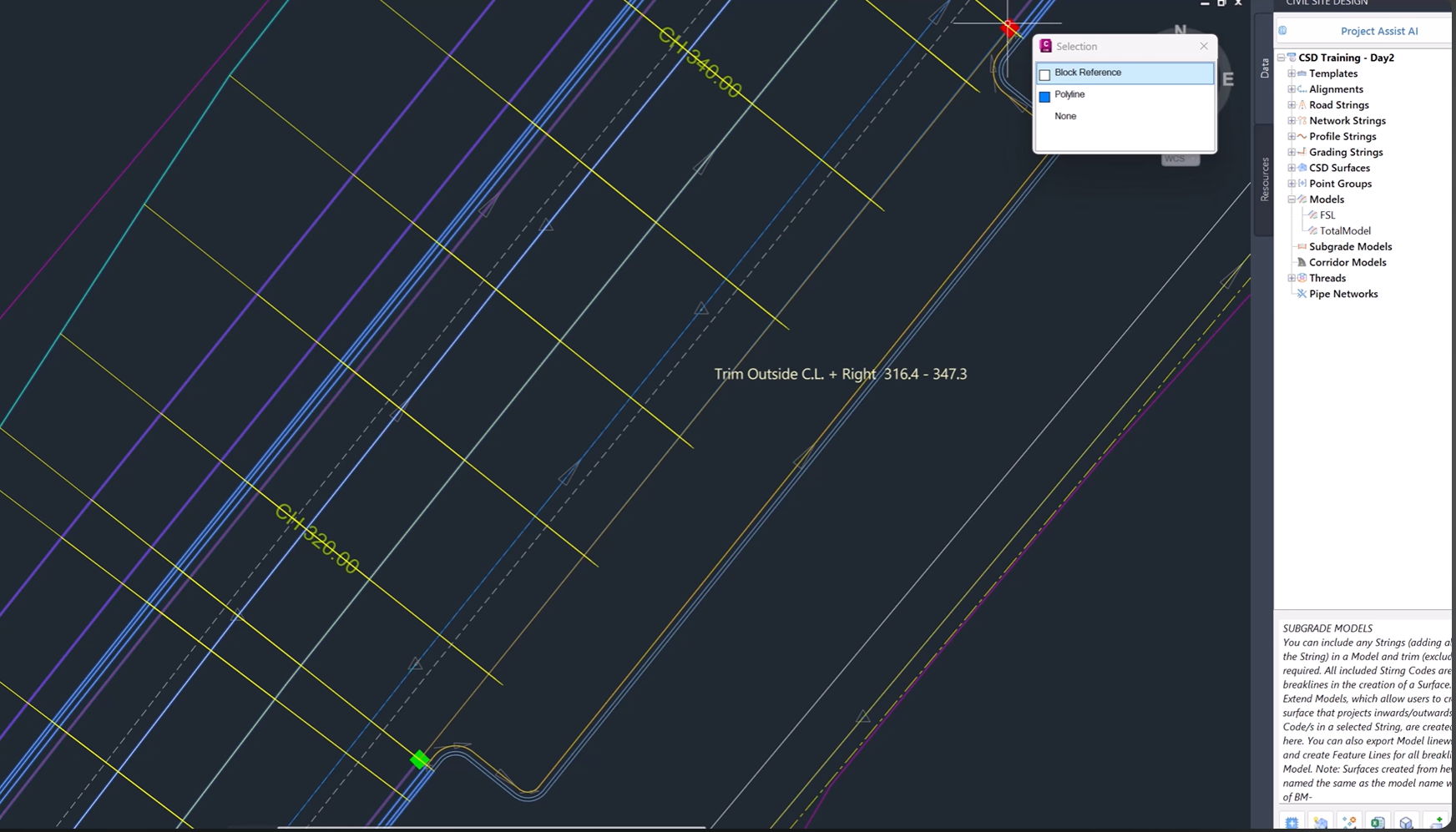
Edit Trims Directly in the Drawing
The new visual trim grips provide a simple and intuitive way to manage model extents.
Rather than entering numerical values, users can simply select and drag trim grips to update trim locations on the fly.
As the grips are adjusted, the trim extents update immediately, making it easier to visualise changes and achieve the desired result more quickly.
This direct interaction dramatically reduces the number of steps required to modify a model.
Instant Visual Feedback
One of the biggest advantages of the new workflow is the ability to see changes as they happen.

By editing trims directly within the drawing, designers gain immediate visual confirmation of how the model is being modified.
This makes it easier to:
-
Refine model extents
-
Adjust design limits
-
Validate trimming locations
-
Make quick design changes
-
Reduce unnecessary regeneration cycles
The result is a more efficient workflow that keeps designers focused on the model rather than the settings behind it.
Full Trim Management from the Toolspace
In addition to the new visual grips, Civil Site Design v27 provides comprehensive trim management tools within the Toolspace.
Users have complete control over:
-
Adding new trims
-
Editing existing trims
-
Removing trims
-
Managing trim configurations
This centralised approach ensures that trim editing remains both flexible and easy to manage, regardless of project complexity.
Faster Model Refinement
As projects evolve, model extents often require regular adjustments.
The ability to modify trims directly within the drawing significantly speeds up this process by reducing the need to move between dialogs and design views.

Whether refining a corridor model, adjusting a road design, or managing project boundaries, visual trim editing helps users make changes more efficiently while maintaining full control over the design.
Designed for a More Intuitive User Experience
The introduction of visual trim grips reflects a broader focus within Civil Site Design V.27 on creating more interactive and user-friendly workflows.
By bringing editing tools directly into the drawing environment, designers can interact with their models in a more natural way, reducing complexity and improving productivity.
The result is a workflow that feels faster, more responsive, and easier to use.
Key Benefits of Interactive Trim Editing
-
Edit trims directly within the drawing
-
Eliminate manual chainage entry
-
Drag-and-drop visual trim grips
-
Instant visual feedback
-
Faster model refinement
-
Simplified workflow for adjusting design extents
-
Add, edit, and remove trims through the Toolspace
-
Improved productivity and usability
A More Interactive Approach to Model Editing
Interactive trim editing transforms a traditionally dialog-driven task into a visual design workflow.
By allowing designers to manipulate trim extents directly within the drawing, Civil Site Design V.27and Corridor EZ makes model refinement faster, easier, and more intuitive than ever before.
Whether making minor adjustments or managing complex project extents, visual trim grips provide a more efficient way to interact with your models.
Available Now in Civil Site Design and Corridor EZ v27
Interactive model trim editing is available now in Civil Site Design and Corridor EZ v27.
Experience a smarter, more visual approach to model management and discover how direct in-drawing editing can help streamline your everyday design workflows.
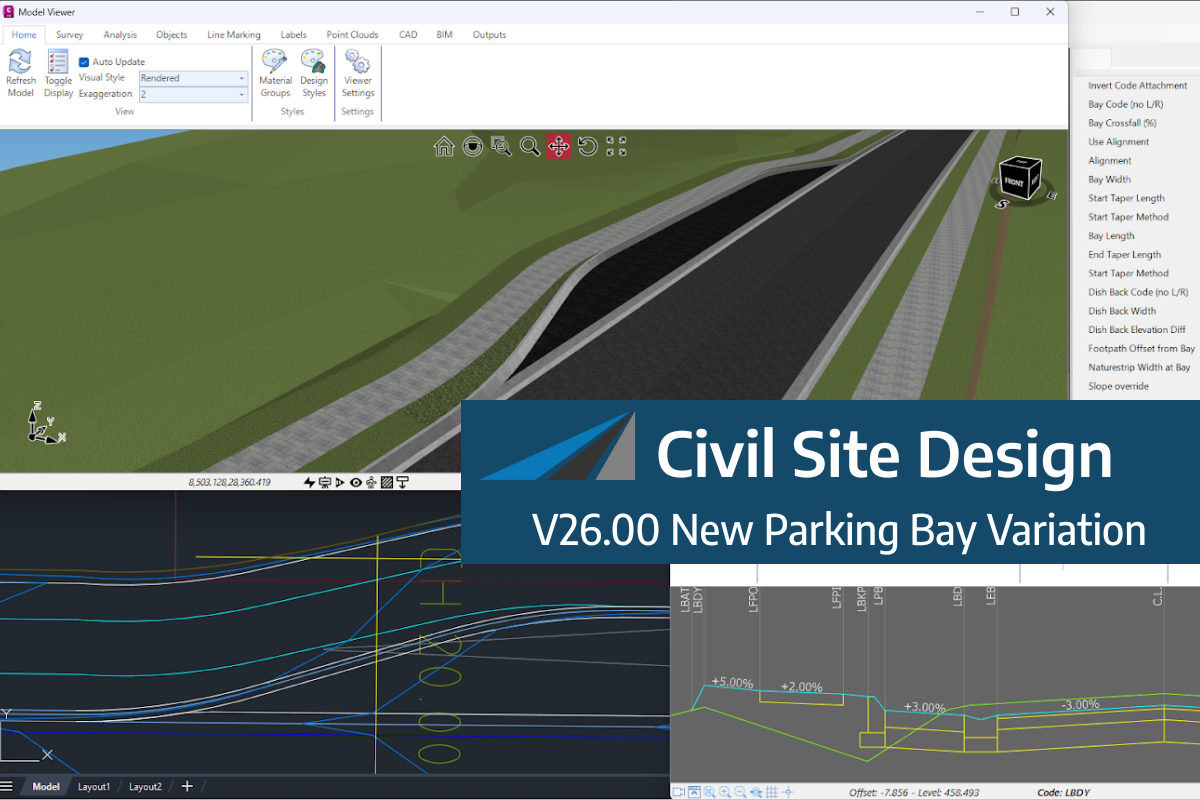
We know parking bays come in all shapes and sizes, and that many of them deserve an independently designed string (with cross sections attached to the string to describe the kerb shape of the parking bay). For those parking/bus or widening bays that can be readily described with cross section edits, we’ve got you covered […]
Non-linear design is when a typical, cross section-based design does not generate the intended result. Typically for designs that are non-parallel, such as driveways, car parks, commercial / Industrial, residential & retaining wall projects. In this webinar, our expert, Jonathan Taylor will show you how to use the Civil Site Design tools to tackle these […]
The Civil Site Design Driveway Checker can be used to assist designers with determining clashes on existing & proposed Civil Site Design project designs. In this webinar, our expert, Jonathan Taylor, will be focusing on using the Driveway Checker to check B85 & B99 vehicles over different crossing points on the project, and exploring the […]