
Did you know we have some keyboard shortcuts in Civil Site Design? If you spend a good amount of your design in the Vertical Grading Editor or regularly run key commands, such as open Model Viewer, you might be looking at some good time savers using keyboard shortcuts.
Less Navigating, More Designing
You can stop hunting for the icon in the Vertical Grading Editor to execute common commands such as Move IP, Slide IP and Volume Report. From within the Vertical Grading Editor window just hold down the Ctrl button and press a key: M for move, S for slide or E for a volume report.
We’ve also added keyboard shortcuts you can run from the CAD command line.
Tell Me More
Check out this CSD Keyboard Shortcuts document to familiarise yourself with another way to access common tools in Civil Site Design.

We Want Your Input
Is there a command you use daily that you wish had a dedicated shortcut? Let us know what commands you want to see accessible via the keyboard, and we will look into adding them in future updates.
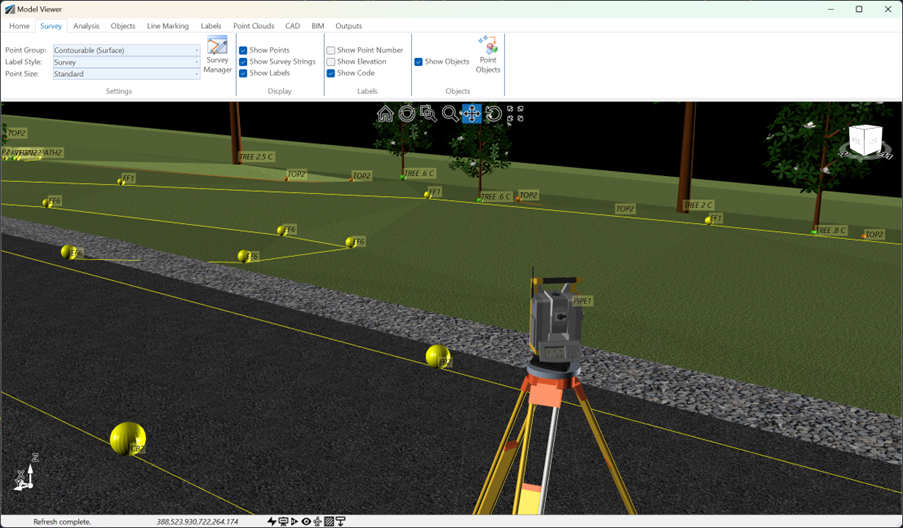
See how Civil Site Design efficiently incorporates and displays survey data, specifically cogo points and survey strings, within your design framework. This article explores this through the lens of a rural road project, demonstrating how cogo points and survey strings from the topographical survey are seamlessly integrated and visualised in Civil Site Design's Cross Section Viewer, VGE (Vertical Grading Editor), and 3D viewer (Model Viewer).
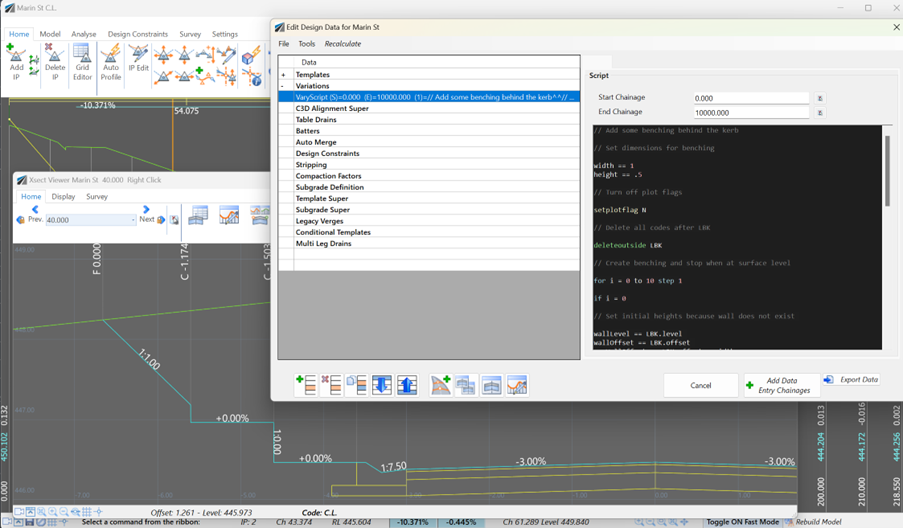
Unlock advanced cross-section editing in Civil Site Design with ScriptX, a user-friendly scripting tool for precision and customization. Easily integrate your scripts into the design process, and collaborate effortlessly with a shared library of scripts. This article will explore ScriptX's capabilities and provide download sample scripts.
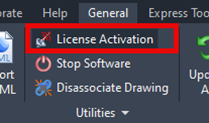
At times you may need to move your standalone Civil Site Design or Stringer license due to hardware failure, formatting of a workstation (PC) or moving to another PC. Here are the instructions on how to complete this process both if the license is accessible or inaccessible.
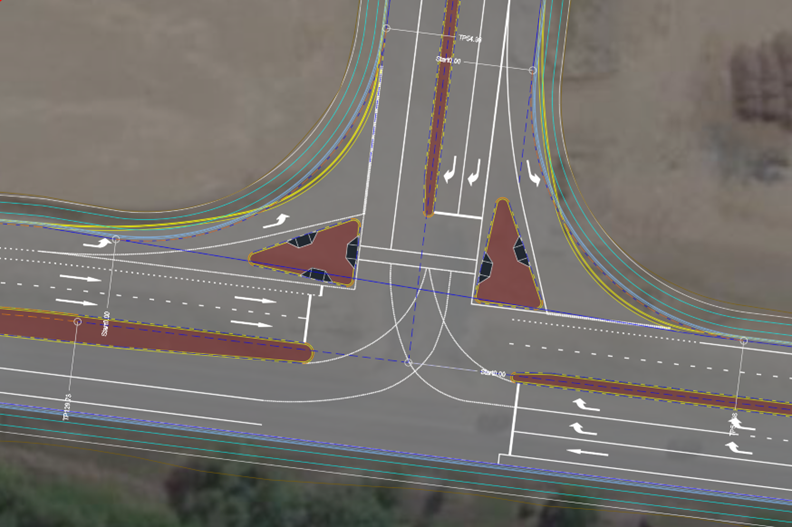
Revolutionise your Civil Site Design with Project Assist: Automating medians and splitter islands effortlessly. This AI-powered tool streamlines island integration by detecting alignments, automatically trimming road strings, and enhancing precision with minimal manual input.
