
Did you know we have some keyboard shortcuts in Civil Site Design? If you spend a good amount of your design in the Vertical Grading Editor or regularly run key commands, such as open Model Viewer, you might be looking at some good time savers using keyboard shortcuts.
Less Navigating, More Designing
You can stop hunting for the icon in the Vertical Grading Editor to execute common commands such as Move IP, Slide IP and Volume Report. From within the Vertical Grading Editor window just hold down the Ctrl button and press a key: M for move, S for slide or E for a volume report.
We’ve also added keyboard shortcuts you can run from the CAD command line.
Tell Me More
Check out this CSD Keyboard Shortcuts document to familiarise yourself with another way to access common tools in Civil Site Design.

We Want Your Input
Is there a command you use daily that you wish had a dedicated shortcut? Let us know what commands you want to see accessible via the keyboard, and we will look into adding them in future updates.

We've enhanced the superelevation tools to make it easier for you to quickly and easily assess output of rules-based superelevation, and to make it simple for you to use this tool to vary pavement crossfalls and widths.

Civil Site Design, Stringer Topo & Corridor EZ V24.10 forms will accomodate 4K text scaling.
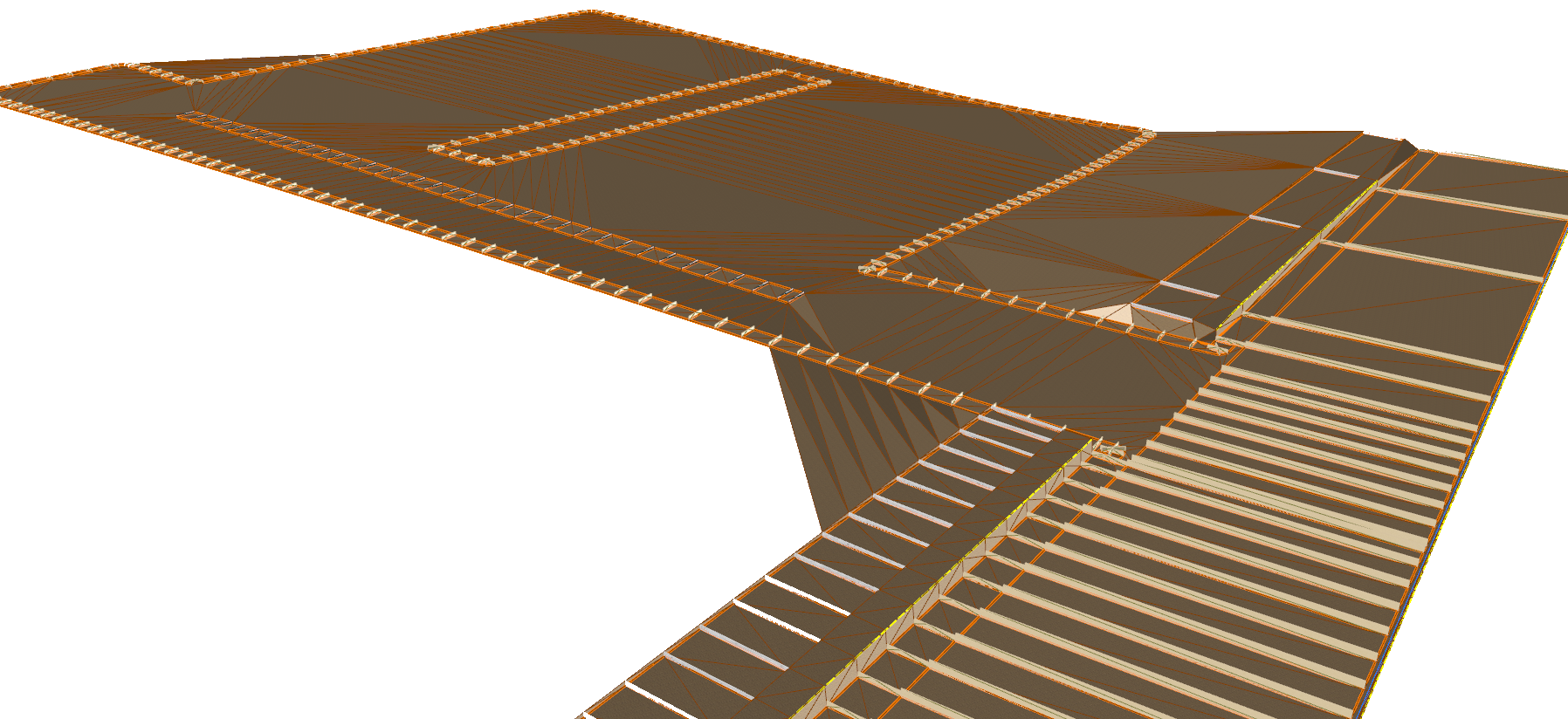
Bulk earthworks play a key part on many projects and determining the volumes can be a time consuming process. Released in Civil Site Design V23.10, the Subgrade Model Manager (SMM) was developed to assist users with creating subgrade surfaces of any model within the project.
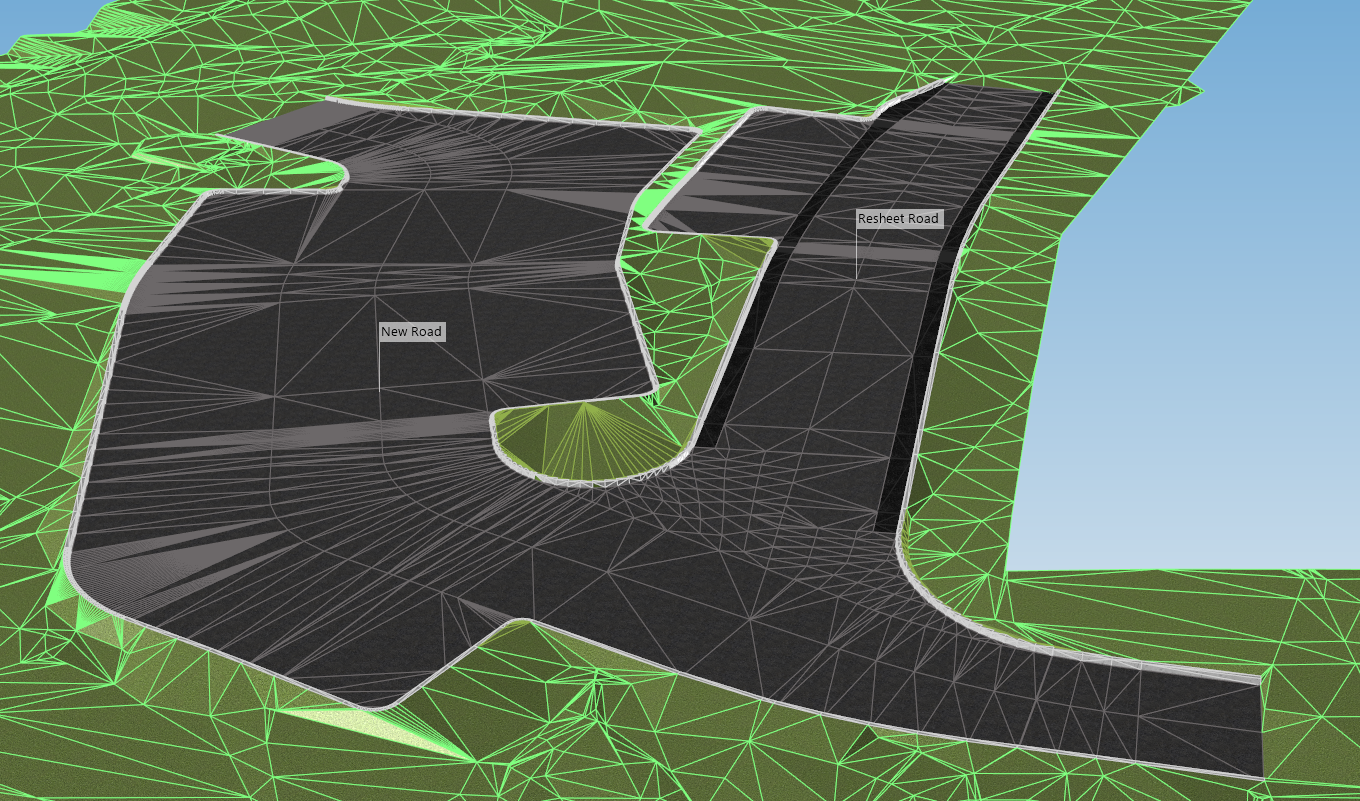
In this webinar we demonstrate the best practice for using Model Builder and unpack all the functionality to operate it successfully, using a road and parking bay design.
