The 2027 releases from Autodesk support NET 10, and in this environment serialised files are no longer supported. We use serialised files for different data file storage and settings purposes.
Below is a list of existing files that are converted to comply with .NET10:
CSA Settings folder
These changes apply to new projects (files copied from this Settings folder into new projects) and any project where these settings files are directly accessed
-
PointParameters.dat
-
Manages linework parameters that apply to COGO points
-
Located in the CSA Settings folder
-
-
SurveyStringsSets.dat
-
Manages the automatic creation of survey strings (2D, 3D polylines and breaklines)between COGO Points
-
Located in the CSA Settings folder
-
Also locally stored per project
-
-
Pipe Network Conversion Files
-
These files control the exchange of pipes and structures from Civil Site Design to Civil 3D
-
Located in the CSA Settings folder
-
Original file extension .ncf
-
-
Settings.dat and SettingsUS.dat
-
Manages the FastTrack Settings
-
-
Learning.dat
-
Part of the FastTrack learning system. This file trains FastTrack based on your alignment naming conventions
-
-
subStyles.dat
-
Sets display styles to apply in Subgrade Model Manager
-
-
subgradeSectionStyles.dat
-
Manages the subgrade section styles (determining which codes and layers to include in a subgrade model
-
-
subViewerManager.dat
-
Viewer (Display) settings for Subgrade Model Manager
-
-
gripSettings.dat
-
Manages the grip controls for display of objects in the drawing
-
Local Data files
These changes apply to the current project and changes are made when the project is first opened in V27.00
-
ProjectAssistSettings.dat
-
Local version of settings.dat, managing FastTrack settings in the current project
-
-
subModels.dat
-
Contains the created subgrade models
-
-
subStyles.dat
-
Sets display styles to apply in Subgrade Model Manager
-
-
subgradeSectionStyles.dat
-
Manages the subgrade section styles (determining which codes and layers to include in a subgrade model
-
-
subViewerManager.dat
-
Viewer (Display) settings for Subgrade Model Manager
-
-
bricsCADSurfaceManager.dat
-
Manages the exchange connections between BricsCAD and CSD/Stringer
-
-
mvProfileSectionAnalsysis.dat
-
Manages the Model Viewer surface analysis controls
-
-
pipesVGESettings.dat
-
Display settings in the Pipes VGE window
-
-
Settings.dat
-
Manages the FastTrack Settings
-
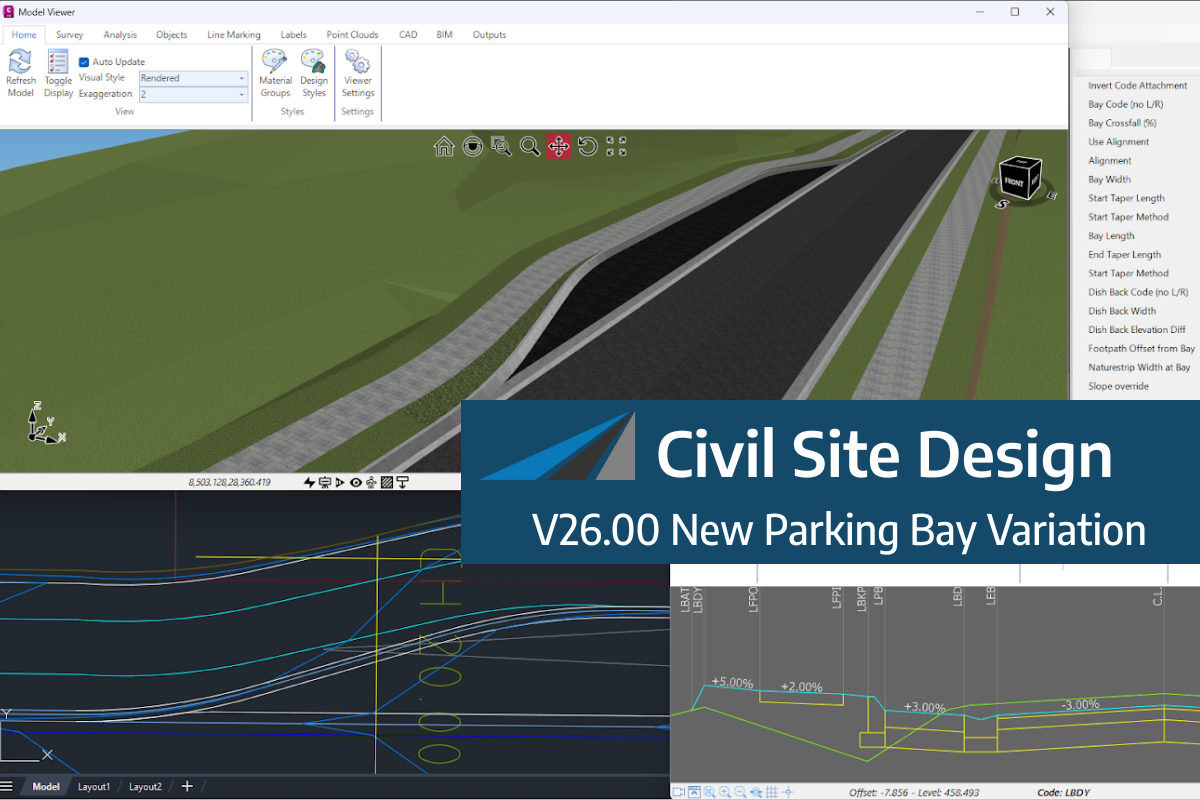
We know parking bays come in all shapes and sizes, and that many of them deserve an independently designed string (with cross sections attached to the string to describe the kerb shape of the parking bay). For those parking/bus or widening bays that can be readily described with cross section edits, we’ve got you covered […]
Non-linear design is when a typical, cross section-based design does not generate the intended result. Typically for designs that are non-parallel, such as driveways, car parks, commercial / Industrial, residential & retaining wall projects. In this webinar, our expert, Jonathan Taylor will show you how to use the Civil Site Design tools to tackle these […]

The Civil Site Design Driveway Checker can be used to assist designers with determining clashes on existing & proposed Civil Site Design project designs. In this webinar, our expert, Jonathan Taylor, will be focusing on using the Driveway Checker to check B85 & B99 vehicles over different crossing points on the project, and exploring the […]